- 归档即将下线或改版的文档站:wget --mirror 加 --convert-links 直接产出相对路径可离线打开的副本,自己写爬虫还得处理链接重写和资源去重
- 交付静态站点快照给非技术同事:跑完拿到一个压缩包,解压双击就能看,不用教对方起本地服务器
- 抓取前端页面做离线分析:把 JS/CSS/图片一并拉下来,比在浏览器里逐个另存省事
- 小规模竞品页面留档:设好 DOWNLOAD_QUOTA 和超时,跑一次就完,不需要维护爬虫调度

Website-downloader
AhmadIbrahiimMIT活跃维护 有专家点评用 Node.js 把任意网站的完整源码连同 JS、CSS、图片等资源一起抓下来,方便离线保存或本地研究页面结构。
💡 Download the complete source code of any website (including all assets). [ Javascripts, Stylesheets, Images ] using Node.js
暂无版本6,083star +7 / 7 天1,402fork同步于 2026-11-11 05:32 UTC
专家点评
上手难度:进阶更新于 2026-11-11用 wget 把整站镜像成可离线浏览的压缩包,省去手写爬虫和链接重写
适用场景
踩坑
- 系统 PATH 里没有 wget 时不会报错退出,而是什么都不下载,容器镜像里尤其容易撞上,得先确认 wget 存在
- 默认 100m 体积和 300000ms 超时对中等规模站点偏紧,抓大站会在中途被截断,需要提前调 DOWNLOAD_QUOTA 和 DOWNLOAD_TIMEOUT_MS
- issue 里反复出现「Not working anymore」「Website not working」「Service has been suspended」这类标题,说明托管实例的可用性被反复提出;自建时这部分不构成问题,但别指望公共演示站长期可用
同类对比
真要严肃归档就用 wget/httrack 命令行自己写脚本,可控性和断点续传都更好;只需要单页离线保存的话浏览器自带功能或 SingleFile 更直接。这个项目的价值主要在那层 Web UI 和打包回传,不在抓取能力本身。
git clone https://github.com/AhmadIbrahiim/Website-downloader.git
cd Website-downloader
npm install
npm start 硬件要求按 README 说明
README 未说明,无 GPU 或显存要求;需要 Node.js 16 及以上,且系统 PATH 中必须有 wget 可执行文件。
项目说明
由 README 自动翻译提炼用 Node.js 调用 wget 把整站源码和静态资源镜像下来并打包成压缩包
用 Node.js 把任意网站的完整源码连同 JS、CSS、图片等资源一起抓下来,方便离线保存或本地研究页面结构。
核心能力
- 调用 wget --mirror 递归抓取整站页面与资源
- 用 --convert-links 把链接转成相对路径便于离线浏览
- 用 --page-requisites 一并下载 CSS、图片等页面依赖
- 用 archiver 打包压缩后经 socket 通道回传给用户
- 通过 DOWNLOAD_QUOTA 限制单次下载体积上限
容易踩的坑
必须先在系统里装好 wget 并加入 PATH,否则不会下载任何内容;默认监听 3000 端口,可用 PORT 环境变量修改;单次下载默认受 100m 体积和 300000 毫秒超时限制,抓大站需调 DOWNLOAD_QUOTA 和 DOWNLOAD_TIMEOUT_MS。
内容由模型根据 README 生成,可能不完整或不准确,以官方文档为准。看原文 README
暂无 release 数据(可能没有发版,或尚未同步)。
用户点评
登录用户的真实使用记录,可按版本和硬件筛选共 0 条
还没有人点评。第一个说出真实体验的人最有价值。
Complete Website Downloader 💾
Download the complete source code of any website (including all assets) 🔨.
👉 Live Demo: https://website-downloader.onrender.com
Description 📒
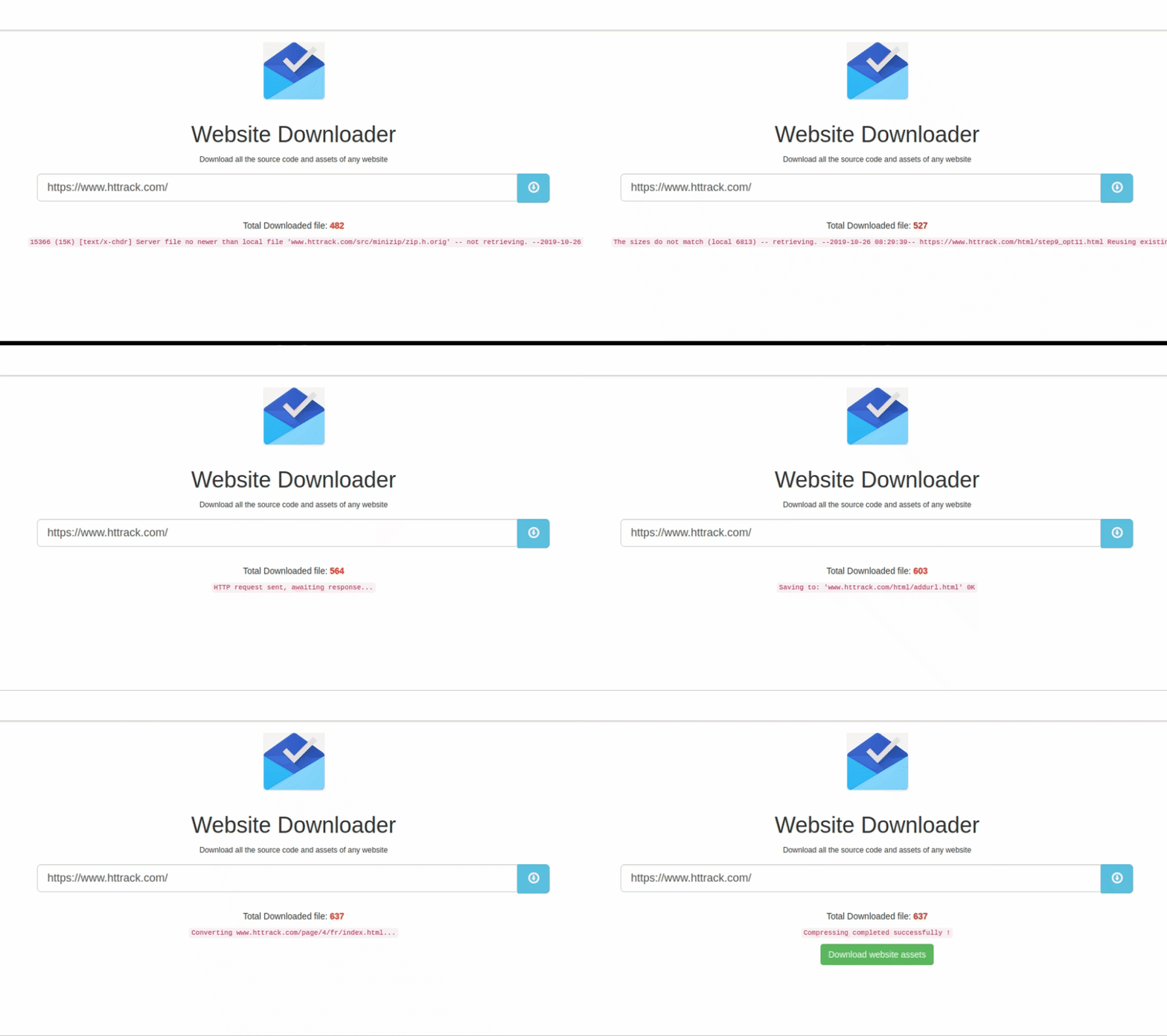
Website downloader works with wget and archiver to download all websites assets and compress then sends it back to the user through socket channel
wget params the being used
wget --mirror --convert-links --adjust-extension --page-requisites --no-parent http://example.org
Explanation of the various flags:
- --mirror – Makes (among other things) the download recursive.
- --convert-links – convert all the links (also to stuff like CSS stylesheets) to relative, so it will be suitable for offline viewing.
- --adjust-extension – Adds suitable extensions to filenames (html or css) depending on their content-type.
- --page-requisites – Download things like CSS style-sheets and images required to properly display the page offline.
- --no-parent – When recursing do not ascend to the parent directory. It useful for restricting the download to only a portion of the site
Deploy on cloud providers


Requirements 📦
- Node.js 16 or newer
wgeton thePATH. The app shells out to it, and nothing will download without it:- Debian/Ubuntu:
apt install wget - macOS:
brew install wget - Windows:
winget install JernejSimoncic.Wget
- Debian/Ubuntu:
How to run it 🤔
git clone https://github.com/AhmadIbrahiim/Website-downloader.gitcd Website-downloader$ npm install$ npm starthttp://localhost:3000/
Optional settings
| Variable | Default | What it does |
|---|---|---|
PORT | 3000 | Port the server listens on |
DOWNLOAD_QUOTA | 100m | Size ceiling passed to wget, so one request cannot fill the disk |
DOWNLOAD_TIMEOUT_MS | 300000 | How long a single download may run before it is stopped |
How To Contribute:
- Open Issue(s) with any bugs you notice.
- Please create Pull Requests if you think it would be an added value towards our program.
Liked it ? You can buy a coffee:
Thank you,
Email: [email protected]
yt-dlp
yt-dlp·Python
功能丰富的命令行音视频下载器,支持从 YouTube 等大量网站抓取视频和音频,还能调用 SponsorBlock 自动跳过广告片段。
命令行下载器+4下载管理器入门
206765+91018k2026.10.262026-11-04 07:16 UTC

Motrix
agalwood·TypeScript
基于 aria2 的全功能下载管理器,支持 HTTP、FTP、BT 和磁力链接,界面清爽,跨 Windows、macOS、Linux 使用。
下载管理器+4下载管理器进阶
58121+2265.1kv2.4.12026-11-09 16:32 UTC

cobalt
imputnet·Svelte
一个开源的社交媒体下载器,支持从 Instagram、TikTok、Twitter、Reddit、SoundCloud 等平台保存视频和音乐,界面清爽、无需广告。
社交媒体下载+4下载管理器进阶
45972+894.1k2026-04-06 11:59 UTC
aria2
aria2·C++
轻量级命令行下载工具,支持 HTTP、FTP、BitTorrent、Metalink 等多种协议和多源并发下载,适合脚本化批量下载和远程 RPC 控制。
下载工具+4下载管理器进阶
43469+474.0krelease-1.37.02026-06-25 14:49 UTC