项目处于活跃开发阶段,尚未达到生产可用,功能可能不完整;手动部署需先复制 .env 和 .env.system 两个配置文件并生成 ENCRYPTION_KEY 与 SESSION_SECRET;选 Ollama 需先自行启动 ollama serve 并 pull 模型,选 Gemini 需 API Key,否则 AI 功能不可用;需在 Docker Desktop 文件共享中添加视频目录,否则容器读不到媒体文件。
edit-mind
IliasHadAGPL-3.0活跃维护本地优先的视频知识库,用 YOLO、DeepFace、Whisper 做多模态分析建立索引,支持自然语言语义检索视频内容,Docker 一键部署。
Local-first Video Knowledge Base. Index your video library with multi-modal analysis (YOLO, DeepFace, Whisper), search semantically via natural language, Docker-ready.
0.40.1发布于 2026-10-25 14:01 UTC1,831star +1 / 7 天123fork同步于 2026-11-10 17:48 UTC
bash <(curl -fsSL https://raw.githubusercontent.com/IliasHad/edit-mind/main/install.sh) 硬件要求按 README 说明
README 未明确列出显存或 GPU 型号要求;提供 docker-compose.cuda.yml 供 NVIDIA GPU 用户使用,其余情况用默认 docker-compose.yml 即可,只要有 Docker 环境就能跑。
有 Docker 镜像
自托管视频知识库,用多模态 AI 索引视频库,支持自然语言搜索视频和场景
本地优先的视频知识库,用 YOLO、DeepFace、Whisper 做多模态分析建立索引,支持自然语言语义检索视频内容,Docker 一键部署。
核心能力
- 后台服务监听新视频文件并自动排队做 AI 分析
- 提取人脸识别、转录、物体与文字检测、场景分析等元数据
- 用 ChromaDB 向量库做自然语言语义搜索
- 通过 Docker Compose 一键启动全部服务,数据留在本地
- 支持 Ollama 本地模型或 Gemini API 做 NLP 处理
容易踩的坑
内容由模型根据 README 生成,可能不完整或不准确,以官方文档为准。看原文 README
- 0.40.1v0.40.1最新正式版2026-10-25 · 2026-10-25 14:01 UTC
Overview
This patch release improves media security, service connectivity, and development startup reliability. It also introduces a guided self-hosted installation flow.
Improvements
- Add a guided installer with Docker Compose checks, writable-folder validation, and an option to skip AI-provider setup. (#155)
- Allow media access to be limited to configured top-level folders with
MEDIA_VISIBLE_FOLDERS. - Show separate background-jobs and ML service status indicators, including accessible labels.
Bug Fixes
- Require authentication for media, thumbnail, and directory-listing routes, and reject path traversal, hidden files, symlink escapes, and malformed byte-range requests.
- Route service-status connections through the web application using authenticated Socket.IO connections, with polling fallback when WebSocket upgrades are unavailable. by @W3D3
- Defer embedding-model preload in development to reduce startup memory usage and prevent background-jobs from being killed; set
PRELOAD_EMBEDDING_MODELS=trueto preload models at startup. - Improve media-browser error messages and serve SVG files using the fallback content type.
Full Changelog: https://github.com/IliasHad/edit-mind/compare/v0.40.0...0.40.1
- v0.40.02026-10-24 · 2026-10-24 20:35 UTC
查看更新说明
Overview
A major pre-1.0 release that improves video-processing reliability and significantly reduces frame-analysis time. by @alikhanich
Bug Fixes
- Reject in-flight processing requests promptly when the Python service WebSocket connection drops, allowing queue jobs to fail and retry instead of remaining stuck.
- Reduce orphaned BullMQ job lock recovery from six hours to ten minutes.
- Improve frame-analysis throughput with seek-based sampling and batched descriptor inference.
- Serialize access to the shared transcription model to prevent concurrent inference deadlocks.
Full Changelog: https://github.com/IliasHad/edit-mind/compare/v0.30.0...v0.40.0
- v0.30.02026-06-28 · 2026-06-28 10:26 UTC
查看更新说明
Overview
This release significantly improves the performance and reliability of the frame analysis and embedding pipeline, faster visual indexing, and more accurate audio embeddings. It also introduces a dedicated beta release pipeline so beta Docker images are published separately from production releases.
Improvements
Frame Analysis & Face Recognition
The frame analysis pipeline now passes the original (unprocessed) frame to all plugins, giving face recognition and other plugins full image fidelity instead of a downscaled or pre-processed copy to use for cropping the face, and has the highest quality dataset for face recognition to prevent false recognition labels.
Visual & Audio Embedding
Visual embedding now runs in batches with thumbnail-based keyframe extraction, reducing memory pressure and speeding up indexing for long videos. Audio embedding has been reworked to embed directly from audio sample vectors by reading the full audio raw data and slicing the data in memory instead of using FFmpeg.
Processing Time UI
The processing times panel now shows a Total line that sums all stages. Null and negative values (from skipped or uncounted stages) are excluded from the total to keep the number meaningful.
Infrastructure
Beta Release Pipeline
A dedicated CI pipeline (
release-beta/release-beta-gpu) now publishes beta Docker images to GHCR whenever a*-betatag is pushed. Production release jobs are explicitly guarded to exclude beta tags, so the two paths no longer interfere with each other. The MCP server release is similarly scoped to non-beta tags only.
Bug Fixes
- Audio embeddings no longer produce NaN vectors when a segment has no signal
- FFmpeg partial output files are cleaned up on failure instead of being left on disk
- Face recognition plugin no longer errors when the configured backend is unavailable at startup
- Video stitching and exporting jobs issue with GPU encoding
- Safe JSON parse for analytics chat response
Full Changelog: https://github.com/IliasHad/edit-mind/compare/v0.22.0...v0.30.0
- v0.22.02026-05-18 · 2026-05-18 14:11 UTC
查看更新说明
Overview
This release delivers the most-requested feature, CLI and API access to your Edit Mind library (closes #109), alongside an MCP server for AI assistant integration, access token management, and a batch of reliability fixes.
Features
REST API (
/api/v0)Edit Mind now exposes a public REST API from the background-jobs service so you can query your library programmatically:
Endpoint Description GET /api/v0/videosList videos with metadata and thumbnails GET /api/v0/videos/:idGet a single video with all its scenes POST /api/v0/searchSemantic search across video scenes GET /api/v0/collectionsList Smart generated collections GET /api/v0/collections/:idGet a collection with its video items GET /api/v0/suggestionsSearch suggestions and popular queries GET /api/v0/mediaServe media files (images, thumbnails) All routes are protected by Bearer token authentication with scope-based authorization.
MCP Server
A standalone MCP server (
edit-mind-mcp) wraps the REST API and exposes your video library as tools for AI assistants like Claude and Cursor:search_video_scenes— semantic search with location and aspect ratio filterslist_videos/get_video— browse and inspect your librarylist_collections/get_collection— explore Smart-generated collectionsget_suggestions— discover available contentview_media— display thumbnail images inline in the AI chat
The MCP binary is bundled into a single file and attached to every release. To add it to Claude Code, run the install script:
curl -fsSL https://raw.githubusercontent.com/IliasHad/edit-mind/main/scripts/install-mcp.sh | bashAccess Token Management
Create and manage personal access tokens from the Settings page. Each token supports:
- Custom name with optional expiry date
- Fine-grained scope selection
- Last-used tracking (timestamp, IP, user-agent)
Install Script
A new
scripts/install-mcp.shmakes it easy to set up Edit Mind and its MCP server on your machine or server.
Bug Fixes
- Video transcoding codec errors now surface in the UI with a clear failure reason instead of silently failing (#130)
- Video chat results no longer fail to render due to a race condition when loading video metadata (#131)
- Job progress tracking added for embedding and analysis stages for better visibility into processing status
- Worker reliability improved with better lock management, stall detection, and sequential embedding processing
- Model selection fixed to correctly prioritize backends
- Path validator issues resolved
Full Changelog: https://github.com/IliasHad/edit-mind/compare/v0.21.0...v0.22.0
- v0.21.02026-04-24 · 2026-04-24 21:08 UTC
查看更新说明
Overview
This release introduces custom face metadata enrichment to enable smarter video search, alongside security updates and updates to the README file, including a new Desktop App section and Edit Mind's featuring on Syntax.fm.
Features
Custom Metadata for Face Recognition
You can now attach rich, structured metadata to known faces and have it automatically indexed alongside face recognition results, a community-requested feature.
Place a
metadata.jsonfile inside each named face folder under yourFACES_DIR, check theFACES_DIRenvironment variable in .env.system:FACES_DIR/ └── Ilias/ ├── photo.jpg └── metadata.jsonExample
FACES_DIR/Ilias/metadata.json:{ "name": "Ilias Haddad", "alternate_names": ["Ilias Hadd"], "nationalities": ["Netherlands", "Morocco"], "date_of_birth": "1989-03-01", "place_of_birth": "Dordrecht, Netherlands", "height_m": 1.87, "positions": ["Centre-back"], "current_club": "Union Touarga", "club_jersey_number": 20, "dual_nationality": true }When a video is indexed and the face of "Ilias" is recognized in a scene, all metadata properties are embedded into the vector DB document for that scene. This means you can now search scenes using any metadata attribute — for example, searching
current_club: Union Touargawill return every scene featuring that person.
Other Improvements
- Security updates: Upgraded project dependencies with the latest security patches.
- README updates: Added a Desktop App section and highlighted the Edit Mind feature on Syntax.fm.
Edit Mind featured at Syntax.fm
 Watch Edit Mind featured on Syntax.fm (starts at 41:21)
Full Changelog: https://github.com/IliasHad/edit-mind/compare/v0.20.4...v0.21.0
用户点评
登录用户的真实使用记录,可按版本和硬件筛选共 0 条
还没有人点评。第一个说出真实体验的人最有价值。
Orcah Studio: Local Video Knowledge Base
Orcah Studio (formerly Edit Mind) is a self-hosted video knowledge base. It indexes your videos — including transcription, frame analysis, and multi-model embedding — then lets you search videos or individual scenes with natural language.
Development Status: Edit Mind is currently in active development and not yet production-ready. Expect incomplete features and occasional bugs. We welcome contributors to help us reach v1.0!


Note on the name: Orcah Studio was previously called Edit Mind. The repository, package names, and some historical material still use the former name while the rename is rolled out.
Sponsors of this project



Showcase Video
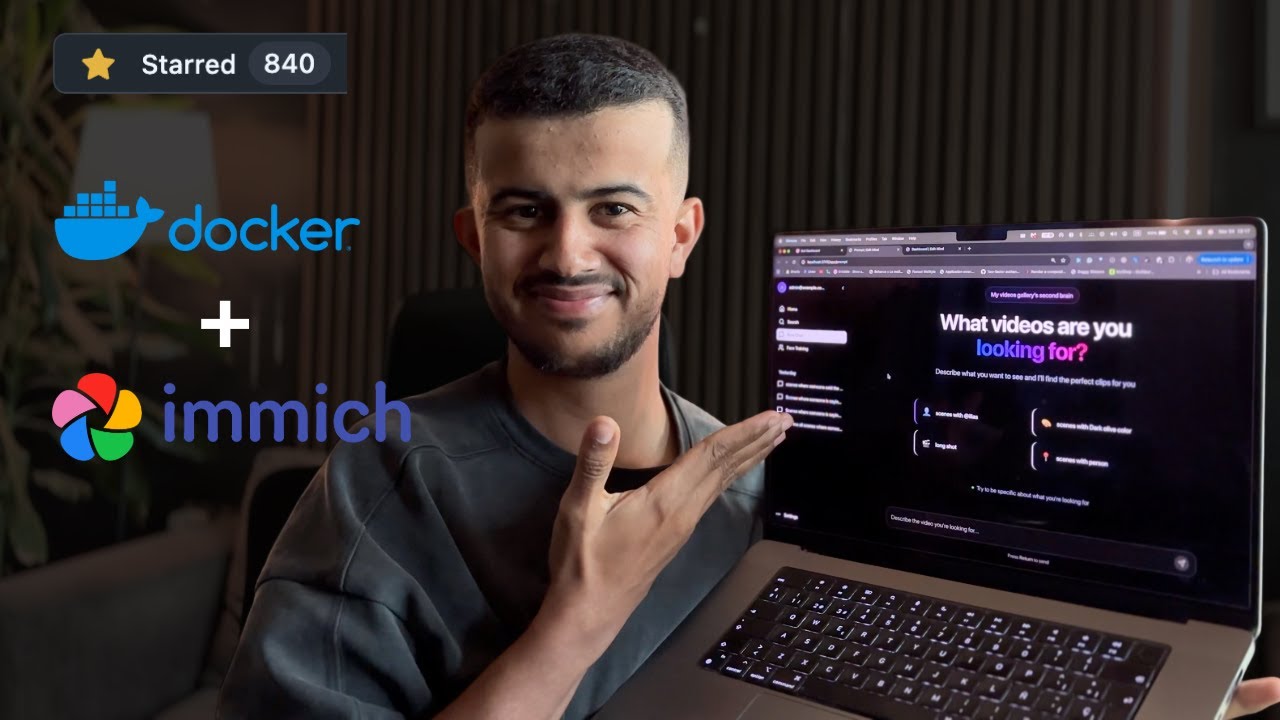 Click to watch a walkthrough of Orcah Studio's core features.
Why Orcah Studio?
- Search videos by spoken words, objects, faces, etc...
- Runs fully locally, respecting privacy.
- Works on any computer or server with Docker installed.
- Uses AI for rich metadata extraction and semantic search.
Core Features
- Video Indexing and Processing: A background service watches for new video files and queues them for AI-powered analysis.
- AI-Powered Video Analysis: Extracts metadata like face recognition, transcription, object & text detection, scene analysis, and more.
- Vector-Based Semantic Search: Powerful natural language search capabilities on video content using ChromaDB.
Core Technologies
| Area | Technology |
|---|---|
| Monorepo | pnpm workspaces |
| Containerization | Docker, Docker Compose |
| Web Service | React Router V7, TypeScript, Vite |
| Background Jobs Service | Node.js, Express.js, BullMQ |
| ML Sevice | Python, PyAV, PyTorch, OpenAI Whisper, Google Gemini or Ollama (Used for NLP) |
| Vector Database | ChromaDB |
| Relational DB | PostgreSQL (via Prisma ORM) |
Getting Started
The self-hosted Orcah Studio edition uses Docker Compose to run everything in containers.
Setup Video
 Click to watch a walkthrough of the self-hosted setup guide.
Prerequisites
- Docker Desktop installed and running.
- That's it! Everything else runs in containers.
Quick install (recommended)
With Docker Desktop open, paste this command into Terminal (macOS/Linux) or Git Bash/WSL (Windows):
bash <(curl -fsSL https://raw.githubusercontent.com/IliasHad/edit-mind/main/install.sh)
The installer asks where your videos are stored and whether to use local Ollama, Gemini, or skip AI setup for now. It creates the required configuration, then starts Orcah Studio. Your library remains on your computer; the installer only gives Docker access to the folder you choose.
Prefer to configure every setting by hand? Follow the manual setup steps below.
1. Project Setup
mkdir edit-mind
cd edit-mind
2. Configure Docker File Sharing
Important: Before proceeding, configure Docker to access your media folder.
macOS/Windows:
- Open Docker Desktop
- Go to Settings → Resources → File Sharing
- Add the path where your videos are stored (e.g.,
/Users/yourusername/Videos) - Click Apply & Restart
Linux: File sharing is typically enabled by default.
3. Configure Environment Variables
The self-hosted edition uses a two-file environment configuration:
.env- Your personal configuration (required).env.system- System defaults (required)
Step 3.1: Create Your Personal Configuration
Copy the example file and customize it:
curl -L https://raw.githubusercontent.com/IliasHad/edit-mind/refs/heads/main/.env.example -o .env
curl -L https://raw.githubusercontent.com/IliasHad/edit-mind/refs/heads/main/.env.system.example -o .env.system
curl -L https://raw.githubusercontent.com/IliasHad/edit-mind/refs/heads/main/docker-compose.yml -o docker-compose.yml
If you have NVIDIA GPU, use docker-compose.cuda.yml file instead
curl -L https://raw.githubusercontent.com/IliasHad/edit-mind/refs/heads/main/docker-compose.cuda.yml -o docker-compose.yml
Edit the .env file and configure these critical settings:
# 1. SET YOUR VIDEO FOLDER PATH (REQUIRED)
# Must match the path you added to Docker File Sharing
HOST_MEDIA_PATH="/Users/yourusername/Videos"

# 2. CHOOSE AI MODEL (Pick one option)
# Option A: Use Ollama (more private, requires model download)
USE_OLLAMA_MODEL="true"
OLLAMA_HOST="http://172.17.0.1"
OLLAMA_PORT="11434"
OLLAMA_MODEL="qwen2.5:7b-instruct"

# Please make sure to run ollama server first using this command

# OLLAMA_HOST=0.0.0.0:11434 ollama serve
# and pull the ollama model first
# ollama pull qwen2.5:7b-instruct

# Option B: Use Gemini API (requires API key)
USE_GEMINI="true"
GEMINI_API_KEY="your-gemini-api-key-from-google-ai-studio"

# Option C: Skip AI setup for now (AI-powered features remain unavailable)
USE_OLLAMA_MODEL="false"
USE_GEMINI="false"

# 3. GENERATE SECURITY KEYS (REQUIRED)
# Generate with: openssl rand -base64 32
ENCRYPTION_KEY="your-random-32-char-base64-key"
# Generate with: openssl rand -hex 32
SESSION_SECRET="your-random-session-secret"
Quick Key Generation:
# Generate ENCRYPTION_KEY
openssl rand -base64 32

# Generate SESSION_SECRET
openssl rand -hex 32
4. Start the Services
Start all services with a single command:
docker compose up
5. Access the Applications
Once all services are running (look for "ready" messages in logs):
- Web App: http://localhost:3745
If you're using Safari, use http://127.0.0.1:3745
6. Add Your First Videos
- Navigate to the web app at
http://localhost:3745 - Create an account
- Navigate to the web app at
http://localhost:3745/app/settings - Click "Add Folder"
- Select a folder from your
HOST_MEDIA_PATHlocation - Navigate to the folder details page and click on
Rescan - The background job service will automatically start processing your videos and will start watching for new video file events
Special Thanks
A huge thank you to the r/selfhosted community on Reddit for their amazing support, valuable feedback, and encouragement.
Original discussion: https://www.reddit.com/r/selfhosted/comments/1ogis3j/i_built_a_selfhosted_alternative_to_googles_video/
Contributing
We welcome contributions of all kinds! Please read CONTRIBUTING.md for details on our code of conduct and the process for submitting pull requests.
Development Setup
Follow the steps below if you want to extend the app functionality or fix bugs.
1. Clone the Repository
git clone https://github.com/iliashad/edit-mind
cd edit-mind
2. Setup dev environment
cp .env.system.example docker/.env.system
cp .env.example docker/.env.dev
3. Start docker container in dev mode
pnpm install
cd docker
docker-compose -f docker-compose.dev.yml up --build
macOS App
This repository is the self-hosted edition. If you prefer a native macOS app, see orcah.app. GitHub users can use code GITHUB for 5% off at checkout.
Community Presentations and Videos
Watch Orcah Studio, then known as Edit Mind, featured at Syntax.fm (starts at 41:21)
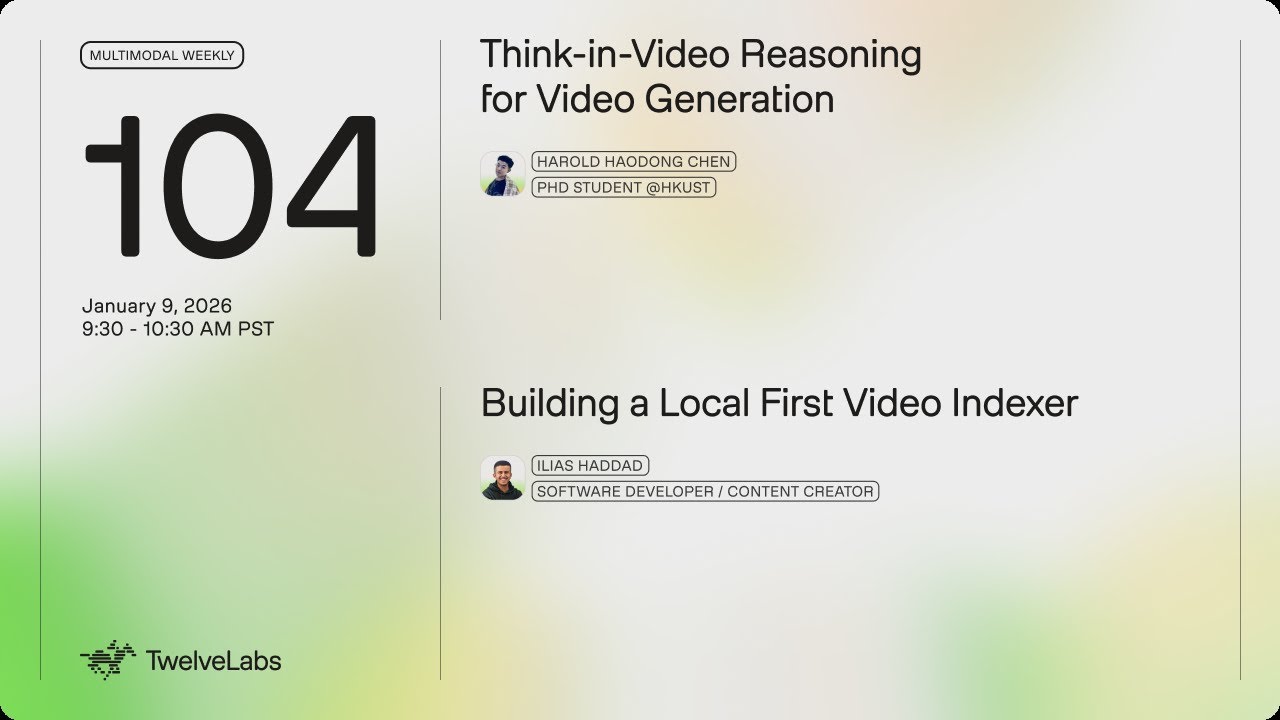
Watch Orcah Studio, then known as Edit Mind, presented at Twelve Labs (starts at 21:12)
License
This project is licensed under the AGPL-3.0 License - see the LICENSE.md file for details.
FFmpeg
FFmpeg·C
一套完整的音视频处理工具集,能解码、编码、转码、推流和封装几乎所有格式,是搭建播放器、转码服务和流媒体管线的底层基础设施。
音视频转码+4视频转码与编辑
66885+22415k2026-11-10 15:13 UTC
HandBrake
HandBrake·C
开源跨平台视频转码工具,能把 DVD/蓝光和各种格式的视频批量转成 H.264/H.265 等现代编码,自带预设和滤镜,适合整理片源和压缩体积。
视频转码+4视频转码与编辑
24958+411.7k1.11.22026-11-10 10:40 UTC

filmcraft
storytold·Rust
用纯 Rust 从零实现的开源非线性视频编辑器,支持多轨道剪辑与视频处理,适合想要轻量、高性能剪辑工具的用户。
视频编辑+4视频转码与编辑
17986+2227.4kv0.19.02026-11-10 13:21 UTC

Waifu2x-Extension-GUI
AaronFeng753·C++
集成 Waifu2x、Real-ESRGAN、Real-CUGAN 等多种超分模型与 RIFE 等补帧算法的图形界面工具,可批量放大视频、图片和 GIF 并提升帧率。
超分辨率+4视频转码与编辑
17212+171.1kv3.143.012026-11-10 13:39 UTC