从 5.2 版本起需要订阅,最后的免费版是 5.2b4;构建时必须自备已解密的 .ipa,README 明确不提供;上传的 IPA 链接必须是直链,网页链接会导致构建失败
YTLite
dayanch96活跃维护iOS 上 YouTube 客户端的功能增强插件,可去广告、后台播放、下载视频并集成 SponsorBlock 跳过赞助片段。
A flexible enhancer for YouTube on iOS
v6.0发布于 2026-11-03 00:50 UTC5,626star +15 / 7 天23,665fork同步于 2026-11-10 17:36 UTC
Fork 仓库后在 Settings > Actions 开启 Read and Write 权限,进入 Actions 选择 Create YouTube Plus app 并 Run workflow 硬件要求按 README 说明
README 未说明;这是 iOS 平台的 YouTube 客户端增强补丁,需要 iOS 设备,并通过 GitHub Actions 构建,把补丁集成到已解密的 .ipa 中。
iOS 上 YouTube 客户端的增强补丁,提供上百项可自定义选项
iOS 上 YouTube 客户端的功能增强插件,可去广告、后台播放、下载视频并集成 SponsorBlock 跳过赞助片段。
核心能力
- 下载视频、音频、缩略图、帖子和头像
- 自定义界面:移除信息流元素、重排标签页、OLED 模式
- 播放器手势、默认画质与首选音轨设置
- 内置 SponsorBlock 跳过赞助片段
- 支持保存、加载与恢复设置,可自动清缓存
容易踩的坑
内容由模型根据 README 生成,可能不完整或不准确,以官方文档为准。看原文 README
- v6.0YouTube Plus 6.0最新正式版2026-11-03 · 2026-11-03 00:50 UTC
What's new:
YouTube Plus Player
- New built-in player for downloaded videos and for streaming videos straight from YouTube without downloading
- Queue, video quality selection, subtitles, audio tracks, ambient mode, SponsorBlock, sleep timer, Discord RPC, gestures, mini player, background playback, Picture-in-Picture and more
- Remembers playback progress and resumes where you left off
- Option to open videos in the YouTube Plus player instead of YouTube's
Downloads
- New Downloads tab with shared, separate and private sections
- Select multiple files and act on them at once
- Resume interrupted downloads
- Download whole playlists
- Download later action in the download menu
- Edit metadata before and after downloading
- Convert videos and songs before downloading or any time later
- Downloads keep running in the background
- Download sheet remembers the last selected post-download action and encoding preset
- Improved downloader engine with support for new YouTube versions
Parental control
- Passcode for YouTube and YouTube Plus settings, account switching and the tab bar menu
- Restricted mode
- External link blocking
- Watch history
- Daily limit and allowed hours
- Channel blocklist and allowlist
YouTube Player
- Improved speed controls in the player overlay
- Inverted fullscreen option in the player overlay
- Loop button in the player overlay
- Rearrange the tweak's buttons in the player overlay
- Option to disable Picture-in-Picture
- Added "Don't offer SharePlay" option
- Option to keep feed videos muted when pressing the volume buttons
- Sleep timer can stop playback after a chosen chapter
- Improved selection of quality, subtitles and audio tracks
- Set several preferred languages for audio tracks and subtitles
- Option to enable captions when the preferred audio track isn't available
- More options to hide buttons under the player and in the context menu
- Improved playback fix mechanism
- Fixed YouTube Premium downloads on sideloaded installs (requires a YouTube Premium subscription)
Feed & Shorts
- Hide sponsored videos in profiles, new Playables and other feed elements (see the Feed section)
- Hide the new ads in Shorts
- Improved hiding of unwanted elements
- Fixed Shorts auto-skip on newer versions
Tab bar
- Add playlists as tabs
- Improved tab editor, tabs can now be edited offline
- The Downloads tab no longer reappears on every launch
SponsorBlock
- Submit segments, vote on existing ones and change their categories
- View all sponsor segments from the SponsorBlock menu in the player overlay
Interface & Settings
- Liquid Glass support (enable in Interface settings)
- The keyboard always stays original regardless of the selected interface, except for the floating keyboard
- Removed the OLED keyboard on iOS 27 (no longer works on sideload)
- Fixed sheets not following the YouTube theme
- More options to hide navigation bar buttons
- All menus redesigned, improved search bar and Split View support on iPad
- License status and date in the tweak's settings
- Fixed random "Access denied" errors
Other
- Adapted for YouTube 21.43 and iPhone Duo: floating tab bar, new channel watermarks, OLED theme in the new feed
- Fixed playback issues
- Improved support for legacy versions
- Improved opening of videos from links
- v5.2.2YouTube Plus 5.2.22026-07-17 · 2026-07-17 03:53 UTC
查看更新说明
[!NOTE] Starting from version 5.2, YTPlus requires a subscription.
The last free version is 5.2b4.ADDED:
- New account system (check it out in YTPlus Settings)
FIXED:
- Fixed Download button not working with the new YouTube interface
- Fixed progress bar coloring on the latest YouTube versions
- Fixed SponsorBlock skipping issues
- Fixed an issue where player gestures couldn't set brightness to 0%
- Fixed the option to hide the More videos button for playlists in the player overlay
- Hidden new ads
- v5.2.1YouTube Plus 5.2.12026-04-23 · 2026-04-23 17:44 UTC
查看更新说明
[!NOTE] Starting from version 5.2, YTPlus requires a subscription.
The last free version is 5.2b4.FIXED:
- Fixed settings not updating correctly
- Fixed crashes when navigating to certain cells from search results
- Fixed incorrect playback speed display in controls
- Fixed visual glitch in live video ring
IMPROVED:
- Improved SponsorBlock skip logic
- Improved swipe-to-seek with real-time timestamp display
- Improved Control Center skip forward/backward actions
ADDED:
- Added option to hide the 'More videos' button in the overlay
- v5.2YouTube Plus 5.22026-04-20 · 2026-04-20 01:33 UTC
查看更新说明
[!NOTE] Starting from version 5.2, YTPlus requires a subscription.
The last free version is 5.2b4.ADDED:
- Added Settings search (Settings fully rewritten)
- Added Discord RPC integration
- Added option to hide video title in fullscreen
- Added native Sleep timer, available from overlay and tab bar, including YouTube v19.x.x
- Added post and comment translation via long press
- Added new playback speed mode. The old one is now called Standard (up to 5x), and the new one Advanced (up to 10x)
- Added new YouTube logo selector for Navigation bar
- Added new icons, adapted to YouTube style
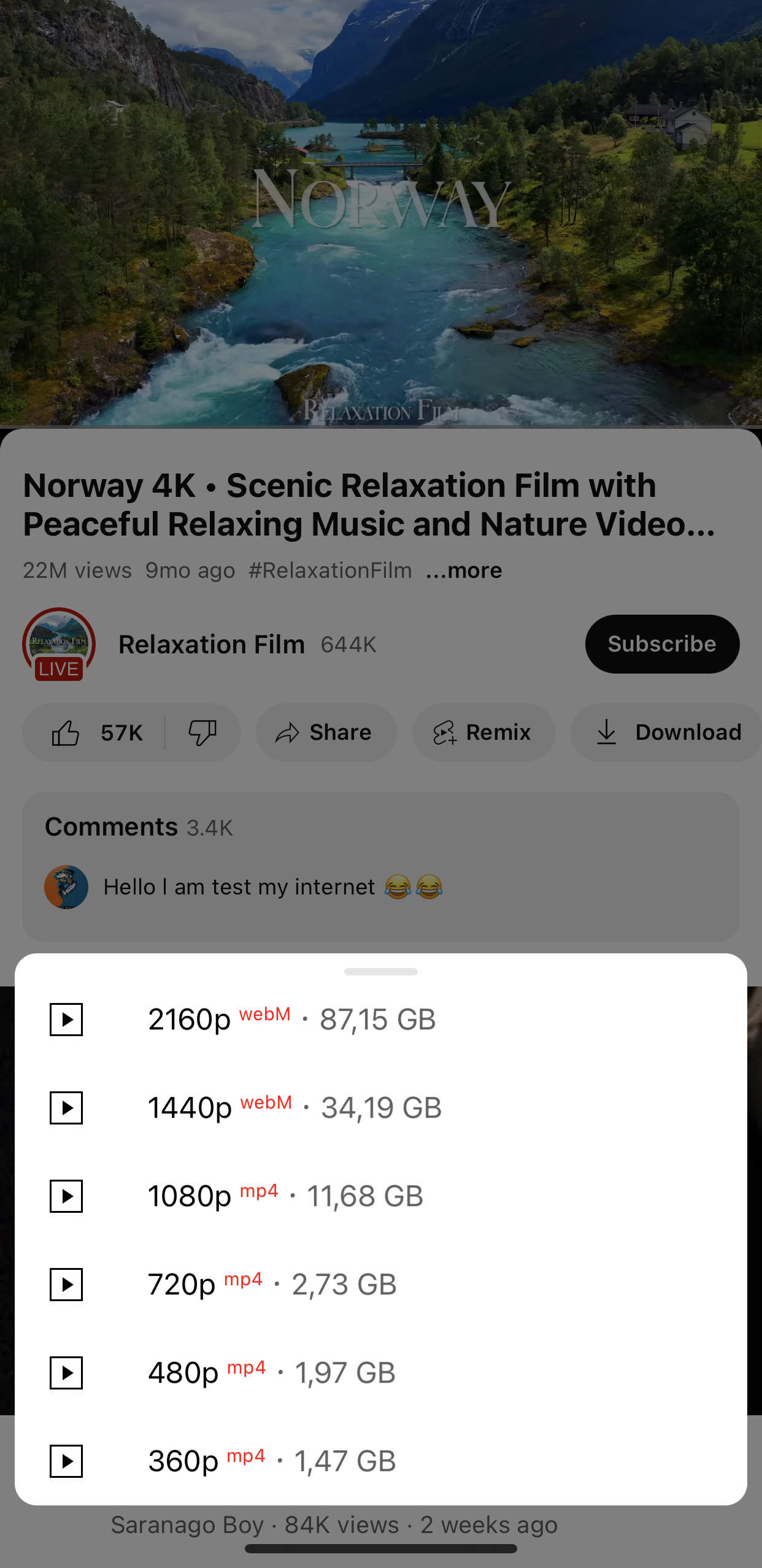
- Added format and codec display when selecting video download quality
- Added ability to seek instead of skipping to next/previous track via Control Center
- Added option to remove tracking from tapped links (without it, Google first opens its analytics site before redirecting to the actual URL)
- Added option to hide posts in Shorts
- Added information explaining why Cast does not work on newer versions for sideloaded builds
- Added option to force Shorts quality (quality selector from Shorts settings removed as it was not working in 50% of cases)
- Added Hype, Music, Live, Gaming, Sports, Notifications tabs
- Added a login reminder
- Added minimum duration to skip sponsor segments
- Added custom startup animation
- Added swipe to seek for feed
IMPROVED:
- Improved Shorts to regular video — videos now open on tap (previously Shorts player was shown first, then the regular player)
- Improved Hold to speed in Shorts — both sides can now be selected simultaneously instead of only one
- Improved Hold to speed gesture behavior in Shorts
- Improved SponsorBlock segment skipping mechanism
- Improved YouTube Plus' player toast
- Improved automatic cache cleanup on launch
- Improved overlay menu buttons — changes now apply instantly (no app restart required)
- Improved overall iOS 14 compatibility
- Adapted settings for iPads
- Rewritten SponsorBlock core, and partially the YouTube Plus core itself in preparation for future updates
- Replaced native playback rate with a custom implementation:
- Supports speeds from 0.25x to 10.0x
- Tap-to-set speed via slider
- Compatible with YouTube 19.x.x and newer
- Long-press on ‘reset speed’ in overlay Speed Controls now opens the custom speed module
FIXED:
- Fixed playback issues
- Fixed authorization issues
- Fixed update issues
- Fixed fetch channels issues
- Fixed casting issues
- Fixed logo switching
- Fixed drag gesture blocking in Free Zoom mode (overlay)
- Fixed YouTube v19.x.x compatibility
- Fixed crashes on v21.15.4
- Fixed a bug on YouTube v19.x.x where videos from feed and search results would not open by taps
- Fixed OLED theme
- Fixed floating keyboard issue on iPad
- Fixed SponsorBlock segments display in progress bar
- Fixed custom colors for progress bar
- Fixed playback speed issues
- Fixed Speed controls issues
- Fixed Show playback end time issues
- Fixed live streams display in Shorts
- Fixed Shorts to regular video
- Fixed download issues when channel or video name is too long
- Fixed navigation bar's UI issues
- Fixed Native Share menu on v21.14.4
- Fixed sponsor segments and colored progress bar on v21.14.4
- Fixed no free zoom gesture option
- Fixed missing audio button when hiding Shorts UI elements
REMOVED:
- Removed "Jump ahead with YouTube Premium" banner in player
- Removed channel product banners in and below the player
- Removed new ads from search results
- Removed startup banners prompting YouTube Premium subscription
- Removed Explore tab as Google has fully removed it server-side
- v5.2b4YouTube Plus 5.2b42025-11-05 · 2025-11-05 03:16 UTC
查看更新说明
FIXES:
- Fixed Shorts overlay issues
- Fixed playback issues
- Fixed “Hold to speed” gesture in Shorts
- Fixed big gap under progress bar when action bar is disabled
- Fixed colored progress bar issues (now supports gradient color for watched progress)
- Fixed issue where some buttons under the player were not hiding
- Fixed transparent background in the “Explore” sidebar
- Fixed hiding options in YouTube sheet and added ability to hide the “Feedback” element
- Fixed crash on live videos when original captions were set as preferred
- Fixed “Remember loop mode” not saving correctly
NEW OPTIONS:
- Added option to hide “Hype” and “Stop Ads” buttons under the player
- Added option to hide YouTube snackbars (HUD messages in player)
- Added option to hide Products in Shorts
- Added option to remove Comment bar in Shorts
- Added option to remove Audio button in Shorts
- Added option to exclude auto-dubbed audio tracks from selection
- Added "Tap to seek gesture" in Player settings
UI IMPROVEMENTS:
- Added system theme support for YTPlus player toast (playback speed, brightness, volume)
- Removed vibrancy effect from YTPlus player toast
- Enabling iPad-style interface now also enables floating keyboard
用户点评
登录用户的真实使用记录,可按版本和硬件筛选共 0 条
还没有人点评。第一个说出真实体验的人最有价值。
YouTube Plus (ex. YTLite)
A flexible enhancer for YouTube on iOS, featuring over hundred customizable options.
Table of Contents
- Screenshots
- Main Features
- FAQ
- Reviews
- How to build a YouTube Plus app using GitHub Actions
- Supported YouTube Version
- Tweak Integration Details
Screenshots
Main Features
YouTube Plus preferences can be found in the YouTube Settings
All contributors are listed in the Contributors section Used open-source libraries are listed in the Open Source Libraries section
[!NOTE] Starting from version 5.2, YTPlus requires a subscription.
The last free version is 5.2b4.
FAQ
Reviews
Review by @qbap on ONE Jailbreak: https://onejailbreak.com/blog/youtube-plus/
How to build a YouTube Plus app using Github actions
[!NOTE] If this your first time, complete following steps before starting:
- Fork this repository using the fork button on the top right
- On your forked repository, go to Repository Settings > Actions, enable Read and Write permissions.
Supported YouTube Version
Tweak Integration Details
yt-dlp
yt-dlp·Python
功能丰富的命令行音视频下载器,支持从 YouTube 等大量网站抓取视频和音频,还能调用 SponsorBlock 自动跳过广告片段。
命令行下载器+4下载管理器
206678+82318k2026.10.262026-11-04 07:16 UTC

Motrix
agalwood·TypeScript
基于 aria2 的全功能下载管理器,支持 HTTP、FTP、BT 和磁力链接,界面清爽,跨 Windows、macOS、Linux 使用。
下载管理器+4下载管理器
58107+2125.1kv2.4.12026-11-09 16:32 UTC

cobalt
imputnet·Svelte
一个开源的社交媒体下载器,支持从 Instagram、TikTok、Twitter、Reddit、SoundCloud 等平台保存视频和音乐,界面清爽、无需广告。
社交媒体下载+4下载管理器
45960+774.1k2026-04-06 11:59 UTC
aria2
aria2·C++
轻量级命令行下载工具,支持 HTTP、FTP、BitTorrent、Metalink 等多种协议和多源并发下载,适合脚本化批量下载和远程 RPC 控制。
下载工具+4下载管理器
43463+414.0krelease-1.37.02026-06-25 14:49 UTC