构建前需先设置 ANDROID_HOME 指向本机 Android SDK 路径;测试需先连接设备或启动模拟器;笔记同步与 Web 界面尚未实现

export ANDROID_HOME=/home/fede/Android/Sdk
./gradlew assemble 硬件要求按 README 说明
README 未说明;这是 Android 应用,需在 Android 设备或模拟器上运行
有 Docker 镜像
开源 Android 笔记应用,界面简洁且支持附件、标签与搜索
一款开源的 Android 笔记应用,支持分类整理、待办清单和图片附件,可替代 Google Keep 或 Evernote 做本地笔记管理。
核心能力
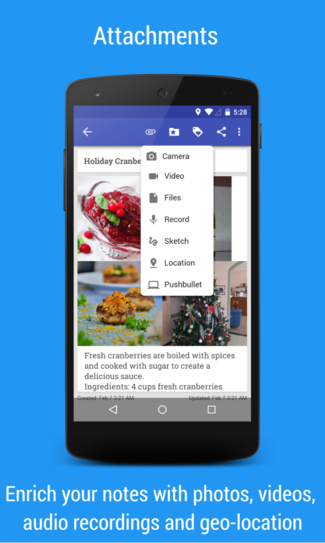
- 支持图片、音频和通用文件附件
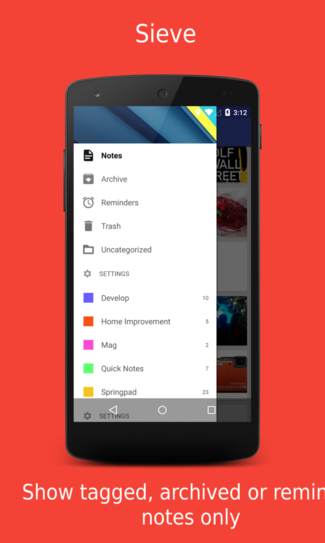
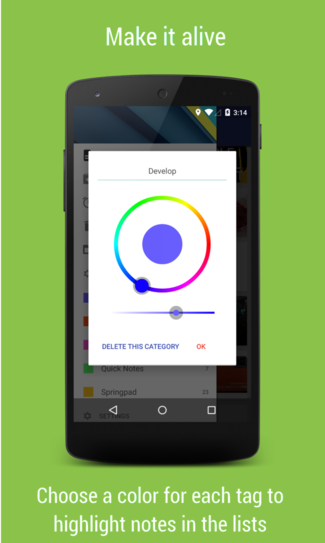
- 用标签和分类组织笔记
- 提供待办清单与手绘笔记模式
- 支持多桌面小部件与 DashClock 扩展
- 支持导出导入笔记备份
容易踩的坑
内容由模型根据 README 生成,可能不完整或不准确,以官方文档为准。看原文 README
- 6.5.1最新正式版2026-10-22 · 2026-10-22 15:23 UTC
What's Changed
✓ Tapping a note in the list could close the app ✓ The bottom of the categories menu could close the app ✓ Wrong message shown when unlocking a note ✓ Reminders survived note deletion and could bring erased notes back ✓ Some numbers in notes were turned into phone numbers ✓ An invalid maximum video size could close the app
Full Changelog: https://github.com/federicoiosue/Omni-Notes/compare/6.5.0...6.5.1
- 6.5.02026-10-22 · 2026-10-22 14:53 UTC
查看更新说明
What's Changed
★ Location is now retrieved without Google proprietary services, with the same behavior on all app versions ☆ Updated code to latest Android 16 changes ☆ Interface improvements for Android 15 and newer devices ✓ Note position was not displayed when reopening a note ✓ Location coordinates were shown with reduced precision ✓ More bugs fixed for past reminders, search, runtime permissions
New Contributors
- @inson1 made their first contribution in https://github.com/federicoiosue/Omni-Notes/pull/965
- @pratistha-05 made their first contribution in https://github.com/federicoiosue/Omni-Notes/pull/955
- @DustinKong made their first contribution in https://github.com/federicoiosue/Omni-Notes/pull/984
- @eren8204 made their first contribution in https://github.com/federicoiosue/Omni-Notes/pull/993
Full Changelog: https://github.com/federicoiosue/Omni-Notes/compare/6.3.1...6.4.0
- 6.3.12023-12-16 · 2023-12-16 22:45 UTC
查看更新说明
✓ Minor fixes
Full Changelog: https://github.com/federicoiosue/Omni-Notes/compare/6.3.0...6.3.1
- 6.3.02023-12-07 · 2023-12-07 00:33 UTC
查看更新说明
★ Targeting Android 13 API with improved performances and security updates ★ Telegram channel https://t.me/omninotes ★ Adaptive and monochrome icons ★ Context menu to share easily with ON ☆ Password required when restoring protected notes ✓ Tons of bug fixes
Full Changelog: https://github.com/federicoiosue/Omni-Notes/compare/6.2.9...6.3.0
- 6.3.0_beta_36.3.0 Beta 3pre-release2023-11-03 · 2023-11-03 00:58 UTC
查看更新说明
用户点评
登录用户的真实使用记录,可按版本和硬件筛选共 0 条
还没有人点评。第一个说出真实体验的人最有价值。

Omni-Notes



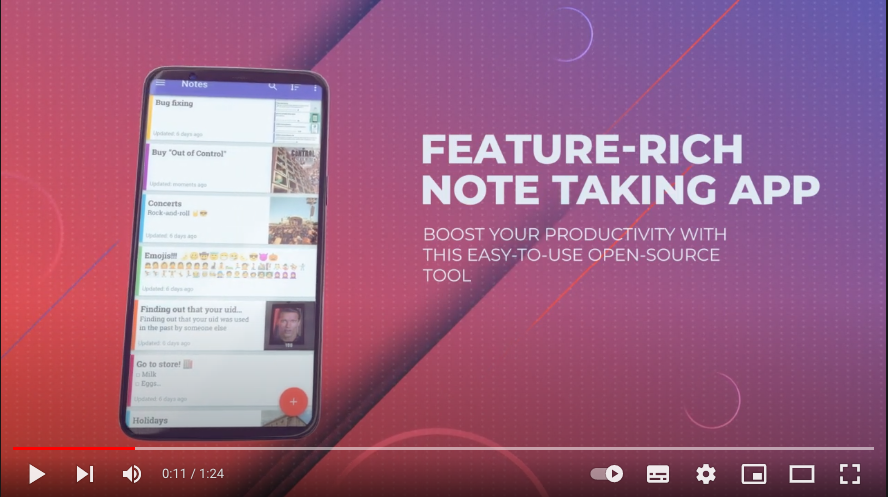
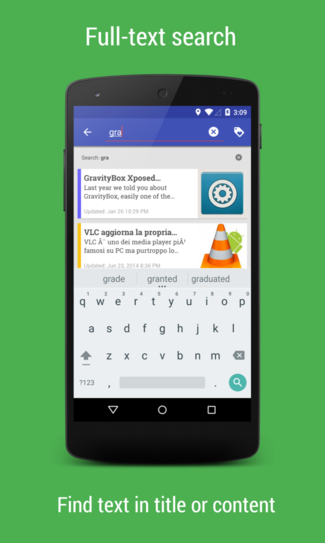
Omni-Notes is a note taking open-source application aimed to have both a simple interface while keeping smart behavior. This application expands on the generic note taking features of other basic applications and allows for users to attach image and video files, use a variety of widgets, tag and organize notes, search through notes, and customize the applications UI.
The project was inspired by the absence of such applications compatible with old phones and old versions of Android. It aims to provide an attractive look and follow the most recent design guidelines of the Google operating system that is not currently avaialbe for older devices.
Follow the developments and post your comments and advice on Telegram Community at https://t.me/omninotes
Help to keep translations updated is always welcome, if you want give a hand checkout the translation project on https://translate.omninotes.app.
If you're willing to help speeding up developments please also opt-in for the Alpha version of the app following continuous delivery principles:
Features
Currently the following functions are implemented:
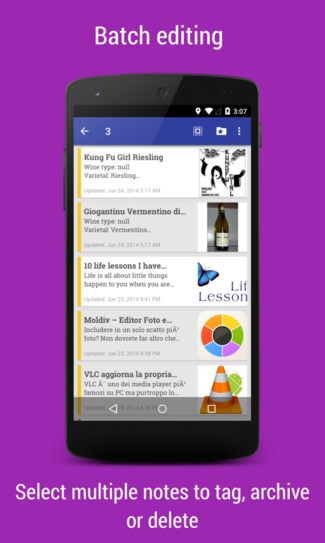
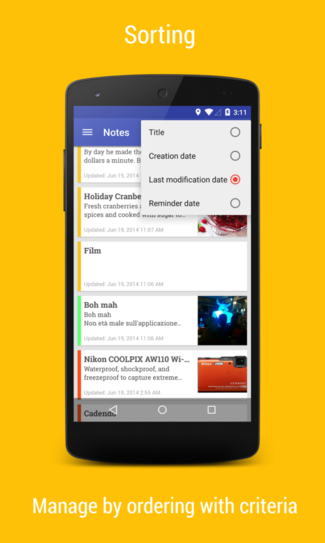
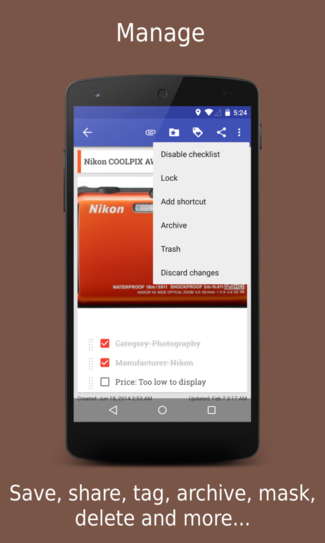
- Material Design interface: Basic add, modify, archive, trash and delete notes actions
- Advanced Navigation and Sharing: Share, merge and search notes, Export/import notes to backup
- Media Attachments: Image, audio and generic file attachments
- Organization: Manage your notes using tags and categories
- Specialty Features:To-do list, Sketch-note mode, Google Now integration: just tell "write a note" followed by the content
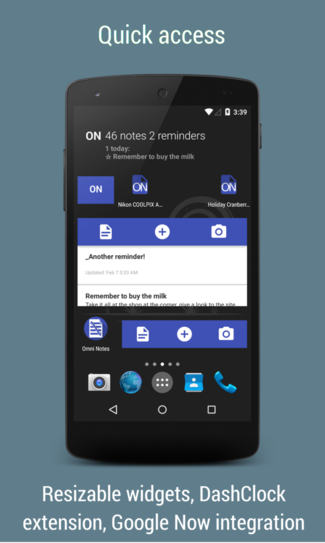
- Widget Capabilities: Multiple widgets, DashClock extension, Android 4.2 lockscreen compatibility, Notes shortcut on home screen
- Internationalization: Multilanguage: 30+ languages supported: https://crowdin.com/project/omni-notes
Future Developments:
- Notes sychronization
- Web interface to manage notes (stub project)
You can find a complete changelog inside the application settings menu!
If you need some help on how to use the application you'll find everything you need in the Help Online section.
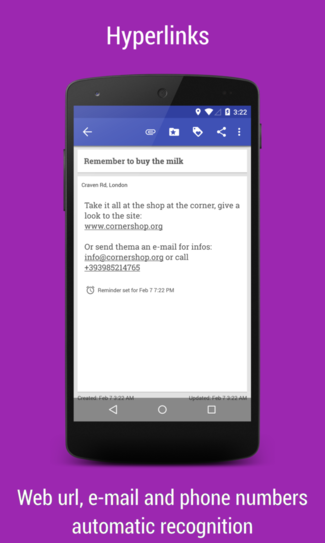
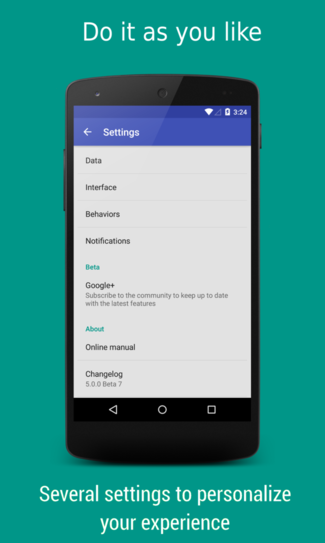
User guide
Look into the wiki for GIFs-based tutorials: LINK
Build
Watch the following terminal session recording on how to compile distributable files or follow the instructions below

Build instructions:
- Enter your computer's terminal
- Clone the application by using the link to the repository (https://github.com/federicoiosue/Omni-Notes), this will take a couple minutes
- Enter the Omni-Notes folder using the command $cd Omni-Notes
- Check that the branch is up to date by using the command $git status
- Enter the command $export ANDROID_HOME=/home/fede/Android/Sdk (for Windows $set ANDROID_HOME=/home/fede/Android/Sdk)
- Enter the command $./gradlew assemble
- Allow a couple minutes for the application to build.
- View the outputs of the build using the command $ls -l omniNotes/build/outputs/apk
To be sure that build environment is fully compliant with the project the following command creates a container with all the needed tools to compile the code:
cd {project-folder}; rm local.properties; docker rm android-omninotes; docker run -v $PWD:/workspace --name android-omninotes tabrindle/min-alpine-android-sdk:latest bash -c "mkdir -p ~/.android && touch ~/.android/repositories.cfg && yes | sdkmanager --update &>/dev/null && cd /workspace && ./gradlew clean build --stacktrace -Dorg.gradle.daemon=true -Pandroid.useDeprecatedNdk=true"
Test
To execute all tests included into the project connect a device or emulator, then run the following command:
./gradlew testAll
Testing Pyramid
To speedup the development more levels of testing are available following the testing pyramid approach, each type test requires more time than the previous one.
Unit Tests
./gradlew --stacktrace test
Integration Tests
./gradlew --stacktrace -Pandroid.testInstrumentationRunnerArguments.notAnnotation=androidx.test.filters.LargeTest connectedAndroidTest
UI Tests
./gradlew --stacktrace -Pandroid.testInstrumentationRunnerArguments.annotation=androidx.test.filters.LargeTest connectedPlayDebugAndroidTest
Notice that in this case I specified a single flavor to run tests on. This could be a useful and faster approach when you're testing specific flavor features.
Mentioned on
XDA Android Authority Addictive Tips Techalook DZone Slash Gear quaap.com Freeappsforme.com
Developed with love and passion by
- Federico Iosue - Website
- Other contributors
License
Copyright 2013-2026 Federico Iosue

This program is free software: you can redistribute it and/or modify
it under the terms of the GNU General Public License as published by
the Free Software Foundation, either version 3 of the License, or
(at your option) any later version.

This program is distributed in the hope that it will be useful,
but WITHOUT ANY WARRANTY; without even the implied warranty of
MERCHANTABILITY or FITNESS FOR A PARTICULAR PURPOSE.  See the
GNU General Public License for more details.

You should have received a copy of the GNU General Public License
along with this program.  If not, see <http://www.gnu.org/licenses/>.
joplin
laurent22·TypeScript
跨平台开源笔记应用,支持端到端加密和 WebDAV、Dropbox、Nextcloud 等多端同步,可导入 Evernote 数据,注重隐私保护。
笔记应用+4笔记工具
57129+626.4kv3.7.222026-11-10 13:17 UTC

siyuan
siyuan-note·TypeScript
开源、隐私优先、可自托管的知识工作空间,用 Markdown 管理笔记与知识库,并支持人与 AI 智能体在同一空间协作。
知识库+4笔记工具
47162+473.1kv3.8.10-rc.52026-11-10 16:01 UTC
logseq
logseq·Clojure
本地优先的开源知识管理平台,用 Markdown 或 Org-mode 记笔记并自动构建知识图谱,数据存在本地、隐私可控。
知识管理+4笔记工具
45544+362.9k2.0.22026-11-10 16:28 UTC
open-notebook
lfnovo·TypeScript
开源自托管的 Notebook LM 替代品,能上传资料让 AI 帮你整理笔记、生成摘要和问答,比原版更灵活、功能更多。
笔记工具+4笔记工具
41827+1144.8kv1.15.12026-11-08 21:47 UTC