What's Changed
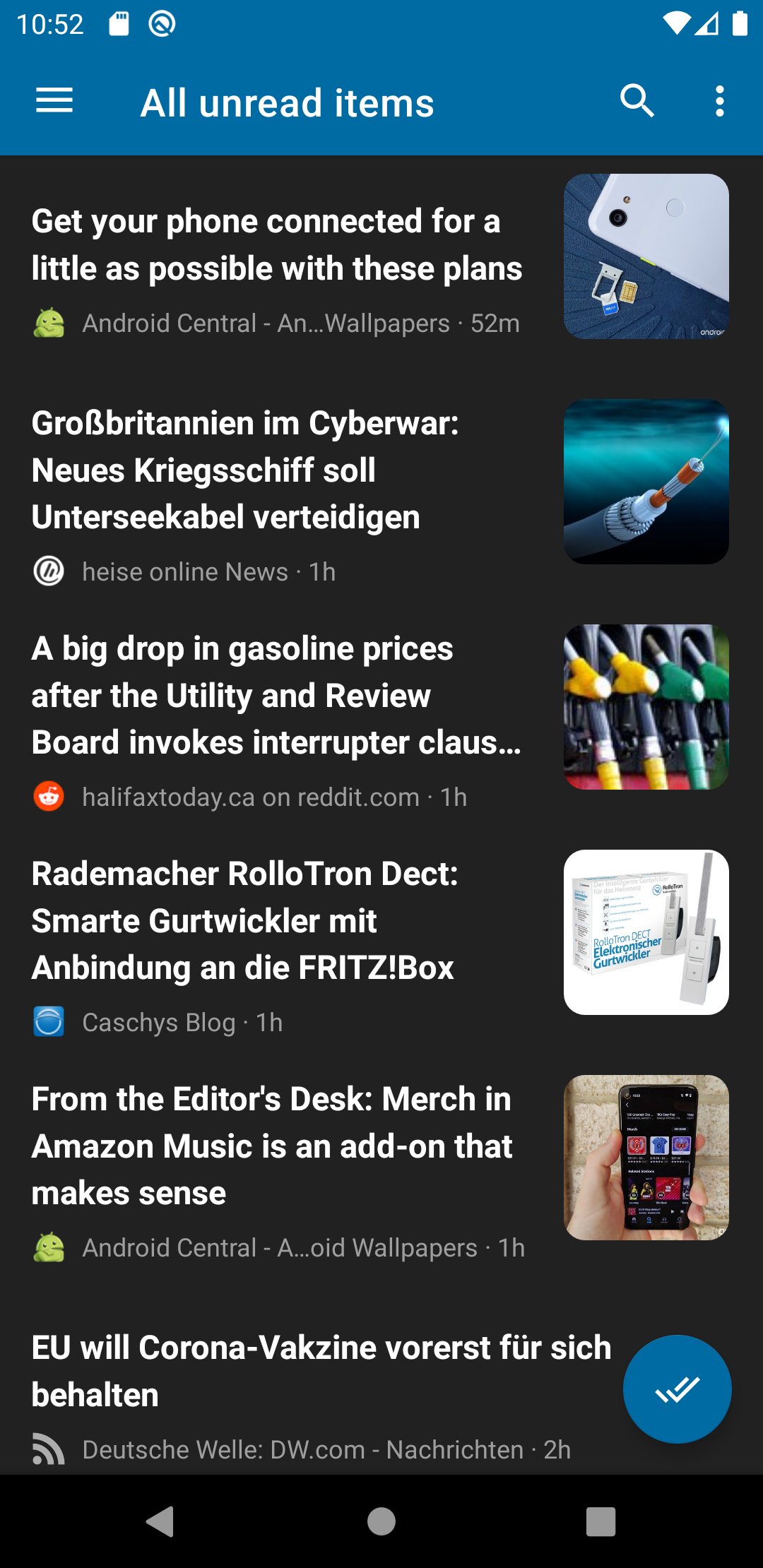
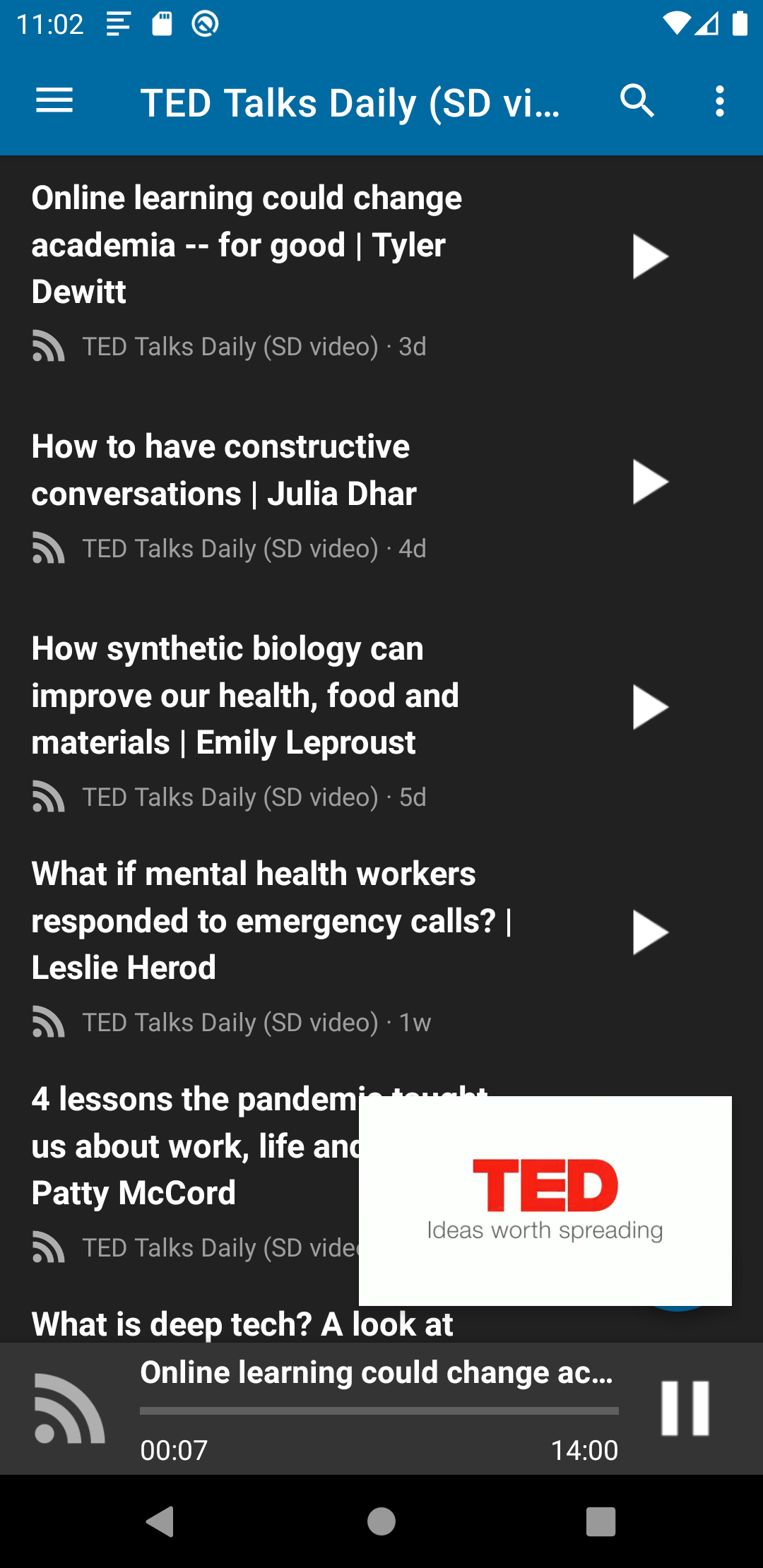
- fix: podcast player is drawn under the system bars by @David-Development in https://github.com/nextcloud/news-android/pull/1697
- fix: toolbar and content are drawn under a side navigation bar by @David-Development in https://github.com/nextcloud/news-android/pull/1698
- Fix crash when the podcast panel settles after the fragment detached by @David-Development in https://github.com/nextcloud/news-android/pull/1705
- Target Android 16 (API level 36) by @David-Development in https://github.com/nextcloud/news-android/pull/1704
- fix: podcast panel loses its window insets after an activity recreation by @David-Development in https://github.com/nextcloud/news-android/pull/1707
- Fix back not collapsing the podcast panel after a resume by @David-Development in https://github.com/nextcloud/news-android/pull/1708
- Replace deprecated status bar flags and guard the rotation UI test by @David-Development in https://github.com/nextcloud/news-android/pull/1706
- Build(deps): Bump github/codeql-action from 4.37.7 to 4.37.8 by @dependabot[bot] in https://github.com/nextcloud/news-android/pull/1700
- Build(deps): Bump gradle/actions from 6.2.0 to 6.3.0 by @dependabot[bot] in https://github.com/nextcloud/news-android/pull/1702
- Build(deps): Bump actions/setup-java from 5.7.0 to 6.0.0 by @dependabot[bot] in https://github.com/nextcloud/news-android/pull/1712
- Build(deps): Bump com.google.code.gson:gson from 2.13.2 to 2.14.0 by @dependabot[bot] in https://github.com/nextcloud/news-android/pull/1701
- Build(deps): Bump github/codeql-action from 4.37.8 to 4.37.9 by @dependabot[bot] in https://github.com/nextcloud/news-android/pull/1714
- Fix loadAppKeyStore by @jpantonow in https://github.com/nextcloud/news-android/pull/1716
- Build(deps): Bump actions/setup-java from 6.0.0 to 6.0.1 by @dependabot[bot] in https://github.com/nextcloud/news-android/pull/1718
- Bump AGP to 9.1.1 so compileSdk 37 resolves to android-37.0 by @David-Development in https://github.com/nextcloud/news-android/pull/1724
- Update glide to 5.0.9 / switch to imagedecoder by @David-Development in https://github.com/nextcloud/news-android/pull/1711
- Build(deps): Bump github/codeql-action from 4.37.9 to 4.38.3 by @dependabot[bot] in https://github.com/nextcloud/news-android/pull/1725
- Build(deps): Bump gradle/actions from 6.3.0 to 6.4.0 by @dependabot[bot] in https://github.com/nextcloud/news-android/pull/1722
New Contributors
- @jpantonow made their first contribution in https://github.com/nextcloud/news-android/pull/1716
Full Changelog: https://github.com/nextcloud/news-android/compare/v.0.9.9.96...v.0.9.9.97