PyPI 安装需先装 ffmpeg 并使用 Python 3.12 环境;Windows 版未签名,安装时需选 More info -> Run anyway;Nvidia GPU 加速需额外安装对应 CUDA 版 torch 或在 Help -> About Buzz 中安装 CUDA Acceleration。
buzz
chidiwilliamsMIT活跃维护基于 OpenAI Whisper 的离线音频转写与翻译工具,在本机就能把语音转成文字并翻译,不用联网也不上传数据。
Buzz transcribes and translates audio offline on your personal computer. Powered by OpenAI's Whisper.
v1.4.5发布于 2026-08-23 08:28 UTC22,586star +103 / 7 天1,668fork同步于 2026-11-10 05:22 UTC
pip install buzz-captions
python -m buzz 硬件要求按 README 说明
支持 Nvidia GPU 的 CUDA 加速、Apple Silicon Mac,以及 Whisper.cpp 在多数 GPU(含核显)上的 Vulkan 加速;Intel Mac 需 1.4.5 及更早版本。README 未给出具体显存要求。
支持 Apple Silicon需要 CUDA
本地离线跑 Whisper 做音视频转写与翻译的桌面工具,兼顾命令行与实时麦克风
基于 OpenAI Whisper 的离线音频转写与翻译工具,在本机就能把语音转成文字并翻译,不用联网也不上传数据。
核心能力
- 转写音视频文件及 YouTube 链接
- 麦克风实时转写并提供演示窗口
- 转写前做语音分离以提升嘈杂音频准确率
- 支持说话人识别并导出 TXT、SRT、VTT
- 提供 CLI、监听文件夹与插件系统
容易踩的坑
内容由模型根据 README 生成,可能不完整或不准确,以官方文档为准。看原文 README
- v1.4.5最新正式版2026-08-23 · 2026-08-23 08:28 UTC
- Adds a plugin system to extend buzz.
- Huggingface (transformers) dependency update with support for more models.
- Extra options for speaker identification
- Bug fixes and minor improvements.
- AppImage support for Linux
Windows, macOS and Linux AppImage installation files for the release are available on SourceForge
Buzz for Linux you can get on Flathub and Snap
Note for Windows
To install Buzz from the releases section below, download all three Windows files (one
*.exeand both*.binfiles) and run the*.exeApp is not signed, you will get a warning when you install it. SelectMore info->Run anyway. - v1.4.42026-03-14 · 2026-03-14 10:37 UTC
查看更新说明
Bug fixes and minor improvements.
- Fixed Youtube link downloading
- Added option to import folder
- Extra settings for live recordings
- Adjusted live recording batching process to avoid min-word cuts
- Update checker for Windows and Macs
- Added voice activity detection to whisper.cpp
Windows and macOS installation files for the release are available on SourceForge
Buzz for Linux you can get on Flathub and Snap
Note for Windows
To install Buzz from the releases section below, download all three Windows files (one
*.exeand both*.binfiles) and run the*.exeApp is not signed, you will get a warning when you install it. SelectMore info->Run anyway. - v1.4.32026-01-25 · 2026-01-25 14:54 UTC
查看更新说明
Fixed support for whisper.cpp on older CPUs and issues in speaker identification.
Windows and macOS installation files for the release are available on SourceForge
Buzz for Linux you can get on Flathub and Snap
Note for Windows
To install Buzz from the releases section below, download all three Windows files (one
*.exeand both*.binfiles) and run the*.exeApp is not signed, you will get a warning when you install it. SelectMore info->Run anyway. - v1.4.22026-01-03 · 2026-01-03 21:34 UTC
查看更新说明
Fixes for Flatpak builds for the previous release of 1.4.1
Windows and macOS installation files for the release are available on SourceForge
- v1.4.12026-01-03 · 2026-01-03 12:49 UTC
查看更新说明
Adding speaker identification on transcriptions and video support for transcription viewer, improvements to transcription table and support for over 1000 of worlds languages via MMS models as well as separate window to show live transcripts on a projector.
Release details:
- Speaker identification on finished transcripts
- Support for video in transcription viewer
- Presentation (projector) window for live transcripts
- Ability to add notes and restart transcriptions in main table
- Adding support for more than 1000 languages via MMS model family when transcribing with Huggingface transcription type
- Adding support for PEFT models when transcribing with Huggingface transcription type
- Adding support for 8bit quantization for Huggingface and faster Whisper transcriptions
- Updated libraries and dependencies to support latest GPUs
- Support for secrets portal for snap packages on Linux
- Ability to specify model to use when transcribing with OpenAI API
- Ability to access application logs from About screen
Windows and macOS installation files for the release are available on SourceForge
用户点评
登录用户的真实使用记录,可按版本和硬件筛选共 0 条
还没有人点评。第一个说出真实体验的人最有价值。
[简体中文] <- 点击查看中文页面。
Buzz
Transcribe and translate audio offline on your personal computer. Powered by OpenAI's Whisper.


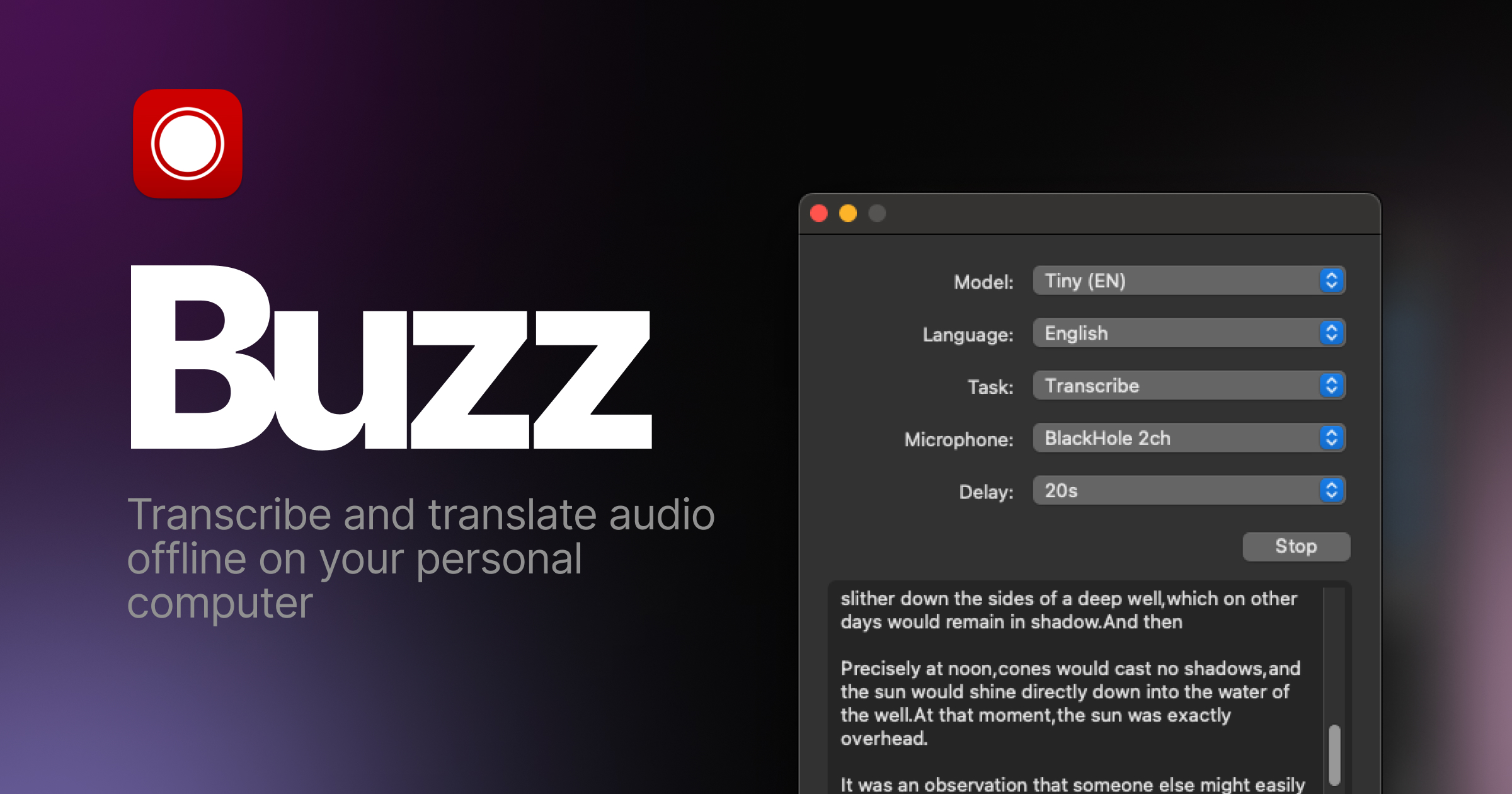
Features
- Transcribe audio and video files or Youtube links
- Live realtime audio transcription from microphone
- Presentation window for easy accessibility during events and presentations
- Speech separation before transcription for better accuracy on noisy audio
- Speaker identification in transcribed media
- Multiple whisper backend support
- CUDA acceleration support for Nvidia GPUs
- Apple Silicon support for Macs
- Vulkan acceleration support for Whisper.cpp on most GPUs, including integrated GPUs
- Multiple Transformer model family support via Huggingface whisper type
- Export transcripts to TXT, SRT, and VTT
- Advanced Transcription Viewer with search, playback controls, and speed adjustment
- Keyboard shortcuts for efficient navigation
- Watch folder for automatic transcription of new files
- Command-Line Interface for scripting and automation
- Plugin system with plugins like AI summary generation and automated transcript resizing
Installation
macOS
Download the .dmg from the SourceForge.
Intel Macs: Buzz now requires Apple silicon. The last version to support Intel Macs is 1.4.5.
Windows
Get the installation files from the SourceForge.
App is not signed, you will get a warning when you install it. Select More info -> Run anyway.
Linux
Buzz is available as a Flatpak, Snap or Appimage.
To install flatpak, run:
flatpak install flathub io.github.chidiwilliams.Buzz
To install snap, run:
sudo apt-get install libportaudio2 libcanberra-gtk-module libcanberra-gtk3-module
sudo snap install buzz

PyPI
Install ffmpeg
Ensure you use Python 3.12 environment.
Install Buzz
pip install buzz-captions
python -m buzz
GPU support for PyPI
To have GPU support for Nvidia GPUs on Windows, for PyPI installed version ensure, CUDA support for torch
pip3 install -U torch==2.8.0+cu129 torchaudio==2.8.0+cu129 --index-url https://download.pytorch.org/whl/cu129
pip3 install nvidia-cublas-cu12==12.9.1.4 nvidia-cuda-cupti-cu12==12.9.79 nvidia-cuda-runtime-cu12==12.9.79 --extra-index-url https://pypi.nvidia.com
Latest development version
For info on how to get latest development version with latest features and bug fixes see FAQ.
Nvidia CUDA GPU acceleration
If you are on Buzz version 1.4.6 (once it is released) or later and have a Nvidia GPU, go to Help -> About Buzz and install CUDA Acceleration.
Support Buzz
You can help the Buzz by starring 🌟 the repo and sharing it with your friends.
Screenshots

VoiceStudio
debpalash·Python
本地运行的 ElevenLabs 开源替代品,支持声音克隆、语音设计、视频配音、听写、转写和有声书制作,覆盖 646 种语言。
语音克隆+4语音推理
106379+325512kv0.5.72026-11-10 05:13 UTC

voicebox
jamiepine·Python
开源 AI 语音工作室,支持声音克隆、语音听写和语音生成,基于 Qwen3-TTS 与 Whisper,可在 CUDA 或 MLX 上本地运行。
语音克隆+4语音推理
60319+5667.6kv0.5.02026-10-07 01:17 UTC
whisper.cpp
ggml-org·C++
OpenAI Whisper 语音识别模型的 C/C++ 移植版,无需 Python 和 GPU 依赖,在普通 CPU 上就能跑语音转文字。
语音识别+4语音推理
55056+696.3kv1.9.52026-11-09 13:02 UTC
faster-whisper
SYSTRAN·Python
基于 CTranslate2 重实现的 Whisper 语音转文字推理引擎,通过量化与高效推理大幅提速并降低显存占用,适合本地部署转录。
语音识别+4语音推理
26633+612.2kv1.2.12026-11-06 17:24 UTC