云端部署需先在仓库 secrets 中配置 NGROK_AUTH_TOKEN,否则无法网页访问;fork 后要开启 Actions 的读写权限,否则无法推送镜像到容器仓库;GPU 加速需额外安装 Nvidia container toolkit。
git clone https://github.com/sabrehagen/desktop-environment
./desktop-environment/docker/scripts/bootstrap.sh 硬件要求按 README 说明
桌面端唯一依赖是 Docker;有 Nvidia GPU 时建议安装 Nvidia container toolkit,README 未给出具体显存或型号要求。
用一条命令把 tty 变成完整桌面环境,桌面和云端体验一致
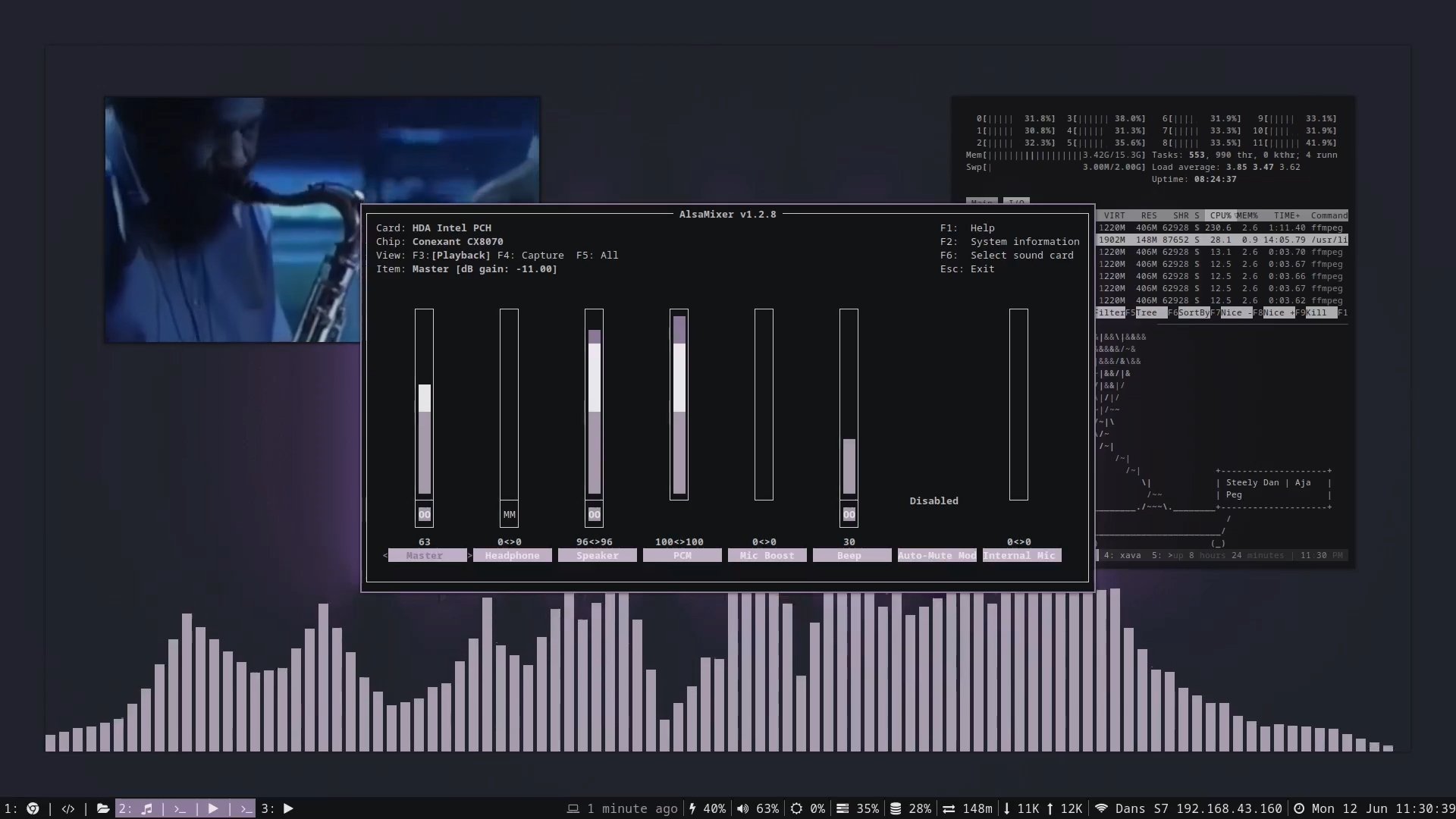
用一条命令把裸 tty 环境装成完整的 i3wm 桌面,包含终端、音频、通知等常用组件,本地和云端都能跑。
核心能力
- 用 Docker 容器封装整套桌面环境,一条 bootstrap 脚本启动
- 基于 i3 窗口管理器,提供 Vim 风格焦点与窗口移动快捷键
- 内置 Alacritty、浏览器、Slack、Discord 等应用的一键启动绑定
- 通过 GitHub Actions 工作流部署到云端,并用 ngrok 暴露网页访问
- 支持把桌面环境部署到 Google Cloud(需 fork cloud-computer 仓库)
容易踩的坑
内容由模型根据 README 生成,可能不完整或不准确,以官方文档为准。看原文 README
暂无 release 数据(可能没有发版,或尚未同步)。
用户点评
登录用户的真实使用记录,可按版本和硬件筛选共 0 条
还没有人点评。第一个说出真实体验的人最有价值。
☁️ Cloud Desktop Environment
My daily driver on the desktop and in the cloud.


Running on the Desktop
The only dependency required is Docker.
When running on a system with an Nvidia GPU, the Nvidia container toolkit is recommended.
To run on Linux, clone the repository and start the environment.
# Clone desktop environment
git clone https://github.com/sabrehagen/desktop-environment

# Start desktop environment
./desktop-environment/docker/scripts/bootstrap.sh
Running in the Cloud
- Fork this repository.
- Add your ngrok auth token to the repository secrets as
NGROK_AUTH_TOKENto enable web access. - Enable read and write permissions on your fork to allow GitHub Actions to push to your repository's container registry.
- Run the Deploy Desktop Environment GitHub Actions workflow to deploy the desktop environment to GitHub's Actions infrastructure.
- Click the Cloud Desktop Environment URL printed in the output of the
Get URLworkflow step.
Fork the cloud-computer/cloud-computer repository to deploy the desktop environment to Google Cloud.
Project Goals
- A computer wholly defined in code.
- From zero to production in one command.
- Consistent experience across cloud and desktop.
Keybindings
Inexhaustive list of keybindings. Check ~/.config/i3/config for all available bindings.
System Management
- Restart the desktop environment:
$mod+Shift+q - Lock screen:
$mod+slash
Window Focus and Movement
Vim-style bindings for focusing and moving windows.
- Focus left:
$mod+h - Focus down:
$mod+j - Focus up:
$mod+k - Focus right:
$mod+l - Move focused window left:
$mod+Shift+h - Move focused window down:
$mod+Shift+j - Move focused window up:
$mod+Shift+k - Move focused window right:
$mod+Shift+l - Resize gaps:
$mod+equaland$mod+Shift+equal
Workspace Management
- Create a new workspace:
$mod+n - Move the focused window to a new workspace:
$mod+Shift+n - Switch to adjacent workspace:
$mod+Control+hor$mod+Control+l - Switch to workspace n:
$mod+1to$mod+0 - Switch to previous workspace:
$mod+minus
Application Launching
Focus an application, or launch it if it is not running. Add Shift to launch a new instance, or $alt to cycle backwards.
- Alacritty terminal:
$mod+return - Beekeeper studio:
$mod+g - Browser:
$mod+b - Cursor:
$mod+c - Discord:
$mod+d - Pcmanfm file manager:
$mod+e - Slack:
$mod+m - T3 code:
$mod+a - Telegram:
$mod+t - Launch screenshot:
$mod+x
Monitor Management
- Move the focused window to the left monitor:
$mod+less - Move the focused window to the right monitor:
$mod+greater
Scratchpad
- Show gotop:
$mod+escape - Show terminal:
$mod+grave - Show volume:
$mod+v - Show wifi:
$mod+i

puter
HeyPuter·TypeScript
一个可自托管的开源云端桌面环境,把文件存储、应用和界面搬到浏览器里,相当于自己搭一个私有网盘加在线操作系统。
云桌面+4桌面环境 / 窗口管理器进阶
44140+314.2k26.112026-11-11 04:02 UTC
serenity
SerenityOS·C++
从零手写的类 Unix 桌面操作系统,自带内核、浏览器和桌面环境,适合想深入理解操作系统底层实现的人阅读和动手改造。
操作系统+4桌面环境 / 窗口管理器硬核
33960+123.5k2026-11-09 12:47 UTC

daedalOS
DustinBrett·JavaScript
在浏览器里跑起一套完整的桌面环境,窗口、任务栏、文件系统一应俱全,适合做 Web 版桌面演示或在线工作台。
浏览器桌面+3桌面环境 / 窗口管理器进阶
13101+31.2k2026-10-22 03:46 UTC

serpantinum
ilyamiro·QML
基于 QML 和 Quickshell 打造的 Wayland 桌面 Shell,为 Hyprland、Niri、Sway 等合成器提供统一的面板、启动器与桌面组件。
Wayland+4桌面环境 / 窗口管理器
7671+36358v2.5.12026-11-10 22:03 UTC