服务端只支持 Linux,Windows 和 macOS 无法运行;首次启动需下载 Surya OCR、Florence-2、Whisper 等模型,可先用 python download.py 预下载;不传 --documents/--media/--web 就不会加载对应模型;底层 Marker 和 Surya 模型权重为 cc-by-nc-sa-4.0,商业使用有营收限制。
omniparse
adithya-s-kGPL-3.0更新放缓把 PDF、图片、音视频等各种格式的数据统一解析成结构化文本,方便直接喂给 GenAI 框架和 RAG 流程使用。
Ingest, parse, and optimize any data format ➡️ from documents to multimedia ➡️ for enhanced compatibility with GenAI frameworks
暂无版本7,935star +1 / 7 天675fork同步于 2026-11-10 23:33 UTC
git clone https://github.com/adithya-s-k/omniparse && cd omniparse
pip install -e .
python server.py --host 0.0.0.0 --port 8000 --documents --media --web 硬件要求按 README 说明
需要至少 8~10 GB 显存的 GPU,README 称可装进 T4;服务端仅支持 Linux,不兼容 Windows 和 macOS。
有 Docker 镜像
本地部署的多格式数据解析平台,把文档、音视频和网页转成适合 LLM 的结构化 Markdown
把 PDF、图片、音视频等各种格式的数据统一解析成结构化文本,方便直接喂给 GenAI 框架和 RAG 流程使用。
核心能力
- 支持约 20 种文件类型,覆盖文档、图片、音视频和网页
- 将各类输入统一转成高质量结构化 Markdown
- 提取表格、抽取图片并生成图像描述
- 用 Whisper 转写音频与视频内容
- 提供 Gradio 交互界面和 REST API,可用 Docker 部署
容易踩的坑
内容由模型根据 README 生成,可能不完整或不准确,以官方文档为准。看原文 README
暂无 release 数据(可能没有发版,或尚未同步)。
用户点评
登录用户的真实使用记录,可按版本和硬件筛选共 0 条
还没有人点评。第一个说出真实体验的人最有价值。
OmniParse




[!IMPORTANT]
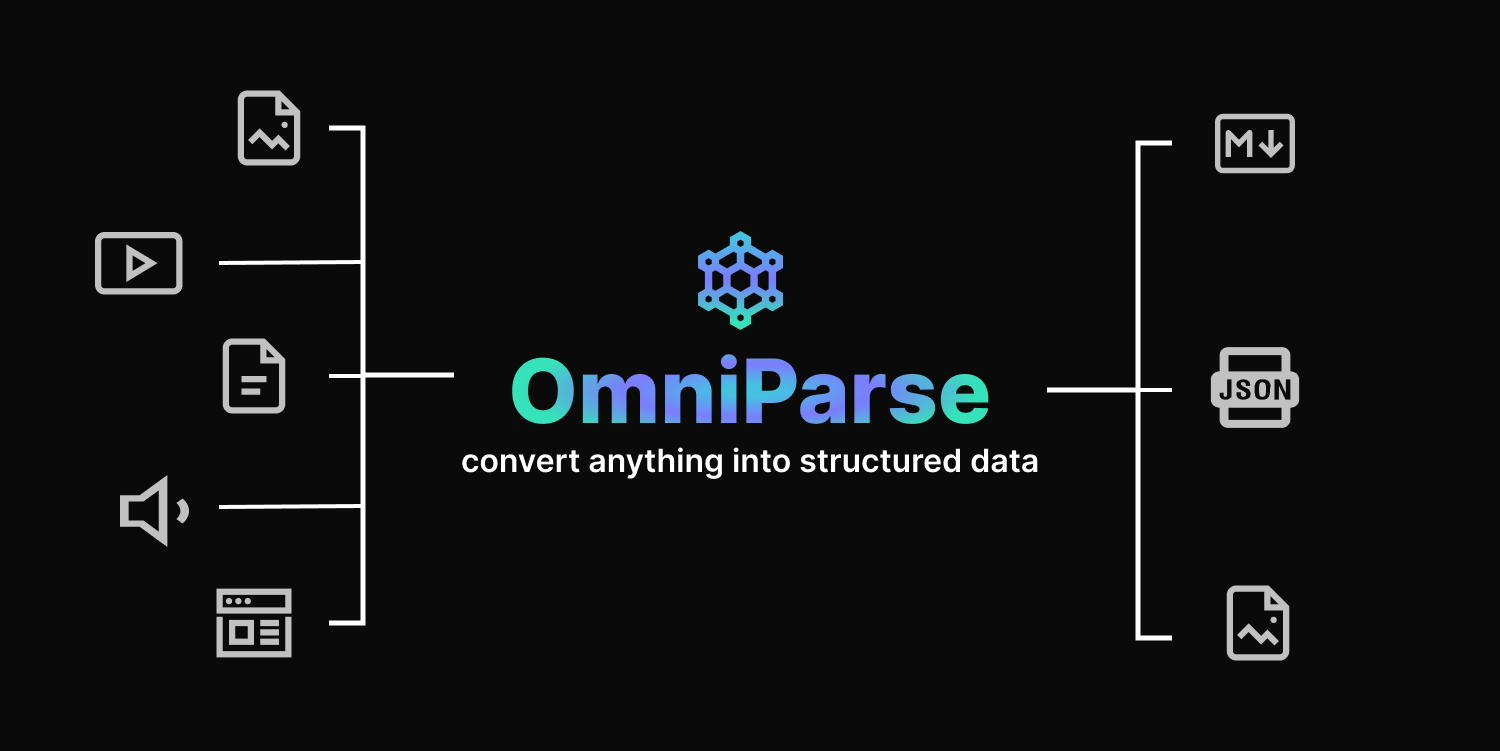
OmniParse is a platform that ingests and parses any unstructured data into structured, actionable data optimized for GenAI (LLM) applications. Whether you are working with documents, tables, images, videos, audio files, or web pages, OmniParse prepares your data to be clean, structured, and ready for AI applications such as RAG, fine-tuning, and more
Try it out

Intro
https://github.com/adithya-s-k/omniparse/assets/27956426/457d8b5b-9573-44da-8bcf-616000651a13
Features
✅ Completely local, no external APIs
✅ Fits in a T4 GPU
✅ Supports ~20 file types
✅ Convert documents, multimedia, and web pages to high-quality structured markdown
✅ Table extraction, image extraction/captioning, audio/video transcription, web page crawling
✅ Easily deployable using Docker and Skypilot
✅ Colab friendly
✅ Interative UI powered by Gradio
Why OmniParse ?
It's challenging to process data as it comes in different shapes and sizes. OmniParse aims to be an ingestion/parsing platform where you can ingest any type of data, such as documents, images, audio, video, and web content, and get the most structured and actionable output that is GenAI (LLM) friendly.
Installation
[!IMPORTANT] The server only works on Linux-based systems. This is due to certain dependencies and system-specific configurations that are not compatible with Windows or macOS.
git clone https://github.com/adithya-s-k/omniparse
cd omniparse
Create a Virtual Environment:
conda create -n omniparse-venv python=3.10
conda activate omniparse-venv
Install Dependencies:
poetry install
# or
pip install -e .
# or
pip install -r pyproject.toml
🛳️ Docker
To use OmniParse with Docker, execute the following commands:
- Pull the OmniParse API Docker image from Docker Hub:
- Run the Docker container, exposing port 8000: 👉🏼Docker Image
docker pull savatar101/omniparse:0.1
# if you are running on a gpu
docker run --gpus all -p 8000:8000 savatar101/omniparse:0.1
# else
docker run -p 8000:8000 savatar101/omniparse:0.1
Alternatively, if you prefer to build the Docker image locally: Then, run the Docker container as follows:
docker build -t omniparse .
# if you are running on a gpu
docker run --gpus all -p 8000:8000 omniparse
# else
docker run -p 8000:8000 omniparse
Usage
Run the Server:
python server.py --host 0.0.0.0 --port 8000 --documents --media --web
--documents: Load in all the models that help you parse and ingest documents (Surya OCR series of models and Florence-2).--media: Load in Whisper model to transcribe audio and video files.--web: Set up selenium crawler.
Download Models: If you want to download the models before starting the server
python download.py --documents --media --web
--documents: Load in all the models that help you parse and ingest documents (Surya OCR series of models and Florence-2).--media: Load in Whisper model to transcribe audio and video files.--web: Set up selenium crawler.
Supported Data Types
| Type | Supported Extensions |
|---|---|
| Documents | .doc, .docx, .pdf, .ppt, .pptx |
| Images | .png, .jpg, .jpeg, .tiff, .bmp, .heic |
| Video | .mp4, .mkv, .avi, .mov |
| Audio | .mp3, .wav, .aac |
| Web | dynamic webpages, http://.com |
Client library compatible with Langchain, llamaindex, and haystack integrations coming soon.
Document Parsing
Parse Any Document
Endpoint: /parse_document
Method: POST
Parses PDF, PowerPoint, or Word documents.
Curl command:
curl -X POST -F "file=@/path/to/document" http://localhost:8000/parse_document
Parse PDF
Endpoint: /parse_document/pdf
Method: POST
Parses PDF documents.
Curl command:
curl -X POST -F "file=@/path/to/document.pdf" http://localhost:8000/parse_document/pdf
Parse PowerPoint
Endpoint: /parse_document/ppt
Method: POST
Parses PowerPoint presentations.
Curl command:
curl -X POST -F "file=@/path/to/presentation.ppt" http://localhost:8000/parse_document/ppt
Parse Word Document
Endpoint: /parse_document/docs
Method: POST
Parses Word documents.
Curl command:
curl -X POST -F "file=@/path/to/document.docx" http://localhost:8000/parse_document/docs
Media Parsing
Parse Image
Endpoint: /parse_image/image
Method: POST
Parses image files (PNG, JPEG, JPG, TIFF, WEBP).
Curl command:
curl -X POST -F "file=@/path/to/image.jpg" http://localhost:8000/parse_media/image
Process Image
Endpoint: /parse_image/process_image
Method: POST
Processes an image with a specific task.
Possible task inputs:
OCR | OCR with Region | Caption | Detailed Caption | More Detailed Caption | Object Detection | Dense Region Caption | Region Proposal
Curl command:
curl -X POST -F "image=@/path/to/image.jpg" -F "task=Caption" -F "prompt=Optional prompt" http://localhost:8000/parse_media/process_image
Arguments:
image: The image filetask: The processing task (e.g., Caption, Object Detection)prompt: Optional prompt for certain tasks
Parse Video
Endpoint: /parse_media/video
Method: POST
Parses video files (MP4, AVI, MOV, MKV).
Curl command:
curl -X POST -F "file=@/path/to/video.mp4" http://localhost:8000/parse_media/video
Parse Audio
Endpoint: /parse_media/audio
Method: POST
Parses audio files (MP3, WAV, FLAC).
Curl command:
curl -X POST -F "file=@/path/to/audio.mp3" http://localhost:8000/parse_media/audio
Website Parsing
Parse Website
Endpoint: /parse_website/parse
Method: POST
Parses a website given its URL.
Curl command:
curl -X POST -H "Content-Type: application/json" -d '{"url": "https://example.com"}' http://localhost:8000/parse_website
Arguments:
url: The URL of the website to parse
Coming Soon/ RoadMap
🦙 LlamaIndex | Langchain | Haystack integrations coming soon
📚 Batch processing data
⭐ Dynamic chunking and structured data extraction based on specified Schema
🛠️ One magic API: just feed in your file prompt what you want, and we will take care of the rest
🔧 Dynamic model selection and support for external APIs
📄 Batch processing for handling multiple files at once
📦 New open-source model to replace Surya OCR and Marker
Final goal: replace all the different models currently being used with a single MultiModel Model to parse any type of data and get the data you need.
Limitations
There is a need for a GPU with 8~10 GB minimum VRAM as we are using deep learning models. \
Document Parsing Limitations \
- Marker which is the underlying PDF parser will not convert 100% of equations to LaTeX because it has to detect and then convert them.
- It is good at parsing english but might struggle for languages such as Chinese
- Tables are not always formatted 100% correctly; text can be in the wrong column.
- Whitespace and indentations are not always respected.
- Not all lines/spans will be joined properly.
- This works best on digital PDFs that won't require a lot of OCR. It's optimized for speed, and limited OCR is used to fix errors.
- To fit all the models in the GPU, we are using the smallest variants, which might not offer the best-in-class performance.
License
OmniParse is licensed under the GPL-3.0 license. See LICENSE for more information.
The project uses Marker under the hood, which has a commercial license that needs to be followed. Here are the details:
Commercial Usage
Marker and Surya OCR Models are designed to be as widely accessible as possible while still funding development and training costs. Research and personal usage are always allowed, but there are some restrictions on commercial usage. The weights for the models are licensed under cc-by-nc-sa-4.0. However, this restriction is waived for any organization with less than $5M USD in gross revenue in the most recent 12-month period AND less than $5M in lifetime VC/angel funding raised. To remove the GPL license requirements (dual-license) and/or use the weights commercially over the revenue limit, check out the options provided. Please refer to Marker for more Information about the License of the Model weights
Acknowledgements
This project builds upon the remarkable Marker project created by Vik Paruchuri. We express our gratitude for the inspiration and foundation provided by this project. Special thanks to Surya-OCR and Texify for the OCR models extensively used in this project, and to Crawl4AI for their contributions.
Models being used:
- Surya OCR, Detect, Layout, Order, and Texify
- Florence-2 base
- Whisper Small
Thank you to the authors for their contributions to these models.
Contact
PaddleOCR
PaddlePaddle·Python
轻量级 OCR 工具包,能把图片和 PDF 转成结构化数据,支持 100 多种语言,方便接入 LLM 和 RAG 流程。
OCR+4文档解析 / OCR
92537+15112kv3.7.02026-09-16 03:31 UTC

MinerU
opendatalab·Python
把 PDF、Office 等复杂文档转成 LLM 可直接用的 Markdown/JSON,内置版面分析和 OCR,专为 RAG 与 Agent 工作流准备语料。
文档解析+4文档解析 / OCR
83452+1976.9kmineru-4.1.7-released2026-11-10 17:04 UTC
tesseract
tesseract-ocr·C++
老牌开源 OCR 引擎,用 LSTM 识别图片中的文字,支持上百种语言,适合做文档扫描和文本提取。
OCR引擎+4文档解析 / OCR
77449+5011k5.5.42026-11-10 18:26 UTC

docling
docling-project·Python
把 PDF、DOCX、HTML 等文档解析成结构化 Markdown 或 JSON,方便喂给大模型和 RAG 流程。
文档解析+4文档解析 / OCR
70395+1555.3kv2.149.02026-11-10 17:59 UTC