需要 Python 3.10 及以上,最新 Python 版本可能因 PyTorch 依赖尚不支持;用 Microsoft Store 版 Python 可能报 fugashi 的 DLL 加载错误,建议改用官网安装包;GPU 用户需先按 PyTorch 官网单独安装 CUDA 版 PyTorch,否则默认走 CPU。
pip3 install mokuro
mokuro /path/to/manga/vol1 硬件要求按 README 说明
README 未给出显存要求;可用 GPU 加速,也可用 --force_cpu 强制走 CPU。GPU 需按 PyTorch 官网说明自行安装对应版本。
需要 CUDA
离线给日漫做文字检测和 OCR,生成可选中文本的 .mokuro 文件,配合网页阅读器查词
在浏览器里读日文漫画,通过 OCR 让画面中的文字可选中、可复制,方便查词和翻译。
核心能力
- 用 comic-text-detector 做文本框检测,manga-ocr 做日文 OCR
- 整卷处理完后生成含 OCR 结果和元数据的 .mokuro 文件
- 所有 OCR 处理离线完成,阅读时无需再跑模型
- 兼容旧版 HTML 输出,可连同图片拷到手机离线阅读
- 支持一次处理多卷或用 --parent_dir 批量处理整部作品
容易踩的坑
内容由模型根据 README 生成,可能不完整或不准确,以官方文档为准。看原文 README
- v0.2.5最新正式版2026-07-20 · 2026-07-20 07:19 UTC
What's Changed
- feat: add AVIF support by @kha-white in https://github.com/kha-white/mokuro/pull/164
- feat: Add MPS device support for Apple Silicon GPUs by @ccodykid in https://github.com/kha-white/mokuro/pull/159
- fix: drop deprecated pkg_resources import and unpin setuptools by @kha-white in https://github.com/kha-white/mokuro/pull/166
New Contributors
- @ccodykid made their first contribution in https://github.com/kha-white/mokuro/pull/159
Full Changelog: https://github.com/kha-white/mokuro/compare/v0.2.4...v0.2.5
- v0.2.42026-02-22 · 2026-02-22 14:57 UTC
查看更新说明
Full Changelog: https://github.com/kha-white/mokuro/compare/v0.2.3...v0.2.4
- v0.2.32026-02-22 · 2026-02-22 14:44 UTC
查看更新说明
What's Changed
- Update README.md - update link to Xelieu's lazy guide by @oscarwong67 in https://github.com/kha-white/mokuro/pull/130
- Update mokuro-reader link to Gnathonic's repo by @7hosi in https://github.com/kha-white/mokuro/pull/155
- Pin setuptools to latest compatible version by @fd63 in https://github.com/kha-white/mokuro/pull/154
- Follow XDG Base Directory Specification for cache location by @ank426 in https://github.com/kha-white/mokuro/pull/152
New Contributors
- @oscarwong67 made their first contribution in https://github.com/kha-white/mokuro/pull/130
- @7hosi made their first contribution in https://github.com/kha-white/mokuro/pull/155
- @fd63 made their first contribution in https://github.com/kha-white/mokuro/pull/154
- @ank426 made their first contribution in https://github.com/kha-white/mokuro/pull/152
Full Changelog: https://github.com/kha-white/mokuro/compare/v0.2.2...v0.2.3
- v0.2.22025-01-28 · 2025-01-28 08:33 UTC
查看更新说明
What's Changed
- fix compatibility with numpy>=2.0 by @kha-white in https://github.com/kha-white/mokuro/pull/124
- fix parsing numerical paths by @kha-white in https://github.com/kha-white/mokuro/pull/125
Full Changelog: https://github.com/kha-white/mokuro/compare/v0.2.1...v0.2.2
- v0.2.12024-07-09 · 2024-07-09 15:13 UTC
查看更新说明
What's Changed
- Use CUDA for TextDetector if available by @kenrick95 in https://github.com/kha-white/mokuro/pull/104
- fix ruff workflow by @kha-white in https://github.com/kha-white/mokuro/pull/105
New Contributors
- @kenrick95 made their first contribution in https://github.com/kha-white/mokuro/pull/104
Full Changelog: https://github.com/kha-white/mokuro/compare/v0.2.0...v0.2.1
用户点评
登录用户的真实使用记录,可按版本和硬件筛选共 0 条
还没有人点评。第一个说出真实体验的人最有价值。
mokuro
Read Japanese manga with selectable text inside a browser.
See demo: https://kha-white.github.io/manga-demo
Demo contains excerpt from Manga109-s dataset. うちの猫’ず日記 © がぁさん
mokuro is aimed towards Japanese learners, who want to read manga in Japanese with a pop-up dictionary like Yomitan. It works like this:
- Perform text detection and OCR for each page.
- After processing a whole volume, generate a .mokuro file, which contains OCR results and metadata. All processing is done offline (before reading).
- Load the .mokuro file together with manga images in web reader, which serves both as a manga reader and a catalog for processed series and volumes.
Alternatively, you can still use the old method from mokuro 0.1.*: Instead of a .mokuro file, generate an HTML file, which you can open in a browser. You can transfer the resulting HTML file together with manga images to another device (e.g. your mobile phone) and read there. This method is still supported for backward compatibility, but it is recommended to use the new .mokuro format and the web reader. For details, see Legacy HTML vs. new .mokuro format.
mokuro uses comic-text-detector for text detection and manga-ocr for OCR.
Try running on your manga in Colab: 
See also:
- mokuro-reader, a web reader for mokuro, developed now by Gnathonic and formerly by ZXY101
- Mokuro2Pdf, cli Ruby script to generate pdf files with selectable text from Mokuro's html overlay
- Xelieu's guide, a comprehensive guide on setting up a reading and mining workflow with manga-ocr/mokuro (and many other useful tips)
Installation
You need Python 3.10 or newer. Please note, that the newest Python release might not be supported due to a PyTorch dependency, which often breaks with new Python releases and needs some time to catch up. Refer to PyTorch website for a list of supported Python versions.
Some users have reported problems with Python installed from Microsoft Store. If you see an error:
ImportError: DLL load failed while importing fugashi: The specified module could not be found.,
try installing Python from the official site.
If you want to run with GPU, install PyTorch as described here, otherwise this step can be skipped.
Run in command line:
pip3 install mokuro
Usage
Run on one volume
mokuro /path/to/manga/vol1
This will generate /path/to/manga/vol1.html file, which you can open in a browser.
If your path contains spaces, enclose it in double quotes, like this:
mokuro "/path/to/manga/volume 1"
Run on multiple volumes
mokuro /path/to/manga/vol1 /path/to/manga/vol2 /path/to/manga/vol3
For each volume, a separate HTML file will be generated.
Run on a directory containing multiple volumes
If your directory structure looks somewhat like this:
manga_title/
├─vol1/
├─vol2/
├─vol3/
└─vol4/
You can process all volumes by running:
mokuro --parent_dir manga_title/
Other options
--pretrained_model_name_or_path: Name or path of the manga-ocr model.
--force_cpu: Force the use of CPU even if CUDA is available.
--disable_confirmation: Disable confirmation prompt. If False, the user will be prompted to confirm the list of volumes to be processed.
--disable_ocr: Disable OCR processing. Generate mokuro/HTML files without OCR results.
--ignore_errors: Continue processing volumes even if an error occurs.
--no_cache: Do not use cached OCR results from previous runs (_ocr directories).
--unzip: Extract volumes in zip/cbz format in their original location.
--disable_html: Disable legacy HTML output. If True, acts as if --unzip is True.
--as_one_file: Applies only to legacy HTML. If False, generate separate CSS and JS files instead of embedding them in the HTML file.
--version: Print the version of mokuro and exit.
Legacy HTML vs. new .mokuro format
Before version 0.2.0, mokuro generated a separate HTML file for each processed volume, which caused some usability issues:
- HTML files contained both the OCR results and the whole web reader GUI, so in order to update the GUI, all volumes needed to be updated with a new mokuro version
- images were stored separately and linked in HTML files, so any change in the directory structure could break the links
- transferring the manga to another device required transferring both the HTML files and the images
- there was no unified GUI for a whole catalog containing multiple volumes
- on some mobile devices, some workarounds were needed to open HTML files
Starting from version 0.2.0, a new .mokuro format is introduced, which is generated for each volume and contains only the OCR results and metadata necessary for the web reader GUI. Web reader is now a separate web app, which can open manga volumes with their associated .mokuro files.
The old HTML format is still generated for backward compatibility, but it will not be developed further, and it is recommended to use the new .mokuro format and the web reader.
Contact
For any inquiries, please feel free to contact me at [email protected]
Acknowledgments
PaddleOCR
PaddlePaddle·Python
轻量级 OCR 工具包,能把图片和 PDF 转成结构化数据,支持 100 多种语言,方便接入 LLM 和 RAG 流程。
OCR+4文档解析 / OCR进阶
92537+15112kv3.7.02026-09-16 03:31 UTC

MinerU
opendatalab·Python
把 PDF、Office 等复杂文档转成 LLM 可直接用的 Markdown/JSON,内置版面分析和 OCR,专为 RAG 与 Agent 工作流准备语料。
文档解析+4文档解析 / OCR进阶
83452+1976.9kmineru-4.2.0-released2026-11-10 17:04 UTC
tesseract
tesseract-ocr·C++
老牌开源 OCR 引擎,用 LSTM 识别图片中的文字,支持上百种语言,适合做文档扫描和文本提取。
OCR引擎+4文档解析 / OCR进阶
77449+5011k5.5.42026-11-10 18:26 UTC
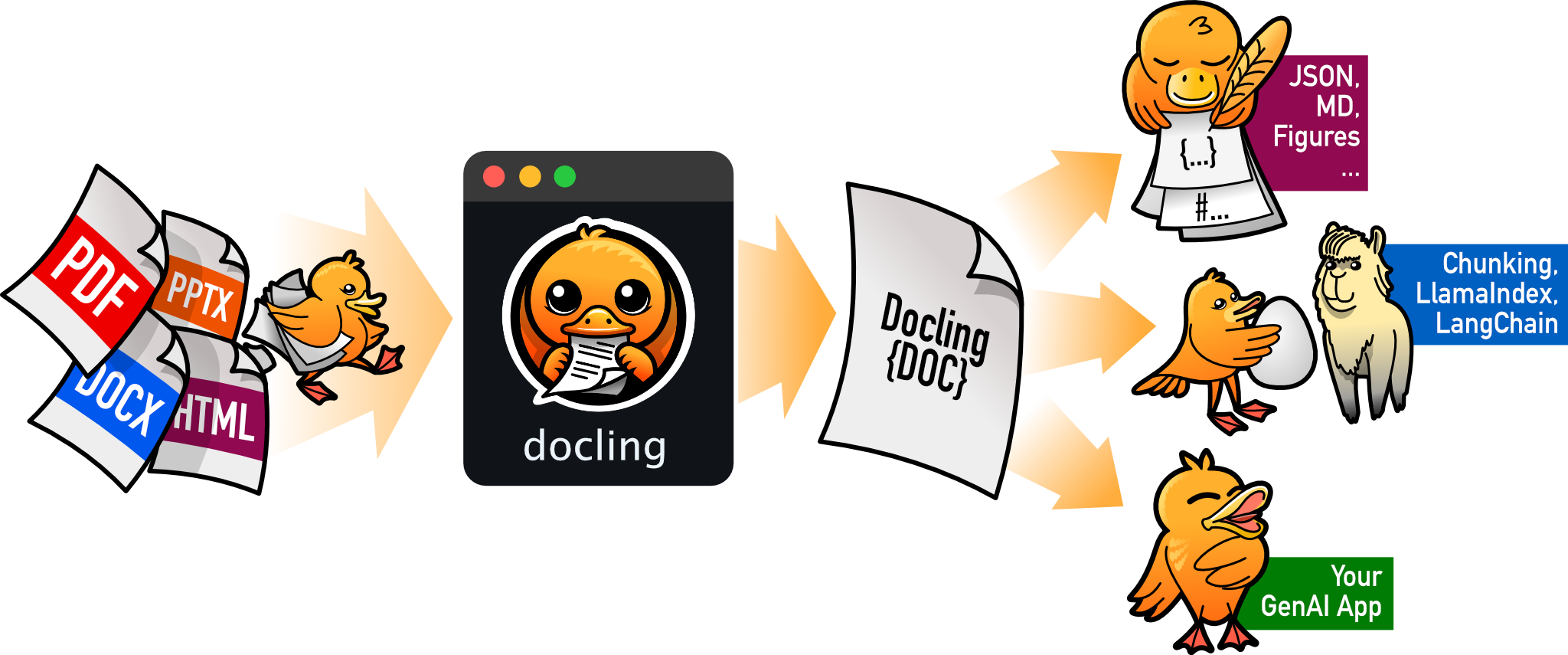
docling
docling-project·Python
把 PDF、DOCX、HTML 等文档解析成结构化 Markdown 或 JSON,方便喂给大模型和 RAG 流程。
文档解析+4文档解析 / OCR进阶
70395+1555.3kv2.150.02026-11-10 17:59 UTC