库本身不含 OCR 引擎,需另行安装 Tesseract 3.02+ 并确保 tesseract 在 PATH 中;Homebrew 安装的 Tesseract 默认只带英文,识别其他语言需装 tesseract-lang;Windows 上 Capture2Text 新版不再附带 tesseract 二进制,需另找安装方式
composer require thiagoalessio/tesseract_ocr 硬件要求按 README 说明
README 未说明;识别由本机安装的 Tesseract OCR 可执行程序完成,需 Tesseract 3.02 或更高版本
支持 Apple Silicon
在 PHP 里调用 Tesseract OCR 的封装库,用链式 API 做图片文字识别
在 PHP 里调用 Tesseract OCR 的封装库,让你不用折腾命令行就能把图片里的文字识别出来,适合做发票、截图等文档的文字提取。
核心能力
- 用链式方法设置语言、PSM、OEM、DPI 等参数
- 支持多语言混合识别,可同时传入多个语言包
- 支持 allowlist 白名单约束识别字符集
- 可输出 hocr、tsv、pdf、txt 等多种格式
- 支持从内存图片数据识别,无需先写入磁盘文件
容易踩的坑
内容由模型根据 README 生成,可能不完整或不准确,以官方文档为准。看原文 README
暂无 release 数据(可能没有发版,或尚未同步)。
用户点评
登录用户的真实使用记录,可按版本和硬件筛选共 0 条
还没有人点评。第一个说出真实体验的人最有价值。
Tesseract OCR for PHP
A wrapper to work with Tesseract OCR inside PHP.



Installation
Via Composer:
$ composer require thiagoalessio/tesseract_ocr
:bangbang: This library depends on Tesseract OCR, version 3.02 or later.
 Note for Windows users
There are many ways to install Tesseract OCR on your system, but if you just want something quick to get up and running, I recommend installing the Capture2Text package with Chocolatey.
choco install capture2text --version 3.9
:warning: Recent versions of Capture2Text stopped shipping the tesseract binary.
 Note for macOS users
With MacPorts you can install support for individual languages, like so:
$ sudo port install tesseract-<langcode>
But that is not possible with Homebrew. It comes only with English support by default, so if you intend to use it for other language, the quickest solution is to install them all:
$ brew install tesseract tesseract-lang
Usage
Basic usage
use thiagoalessio\TesseractOCR\TesseractOCR;
echo (new TesseractOCR('text.png'))
    ->run();
The quick brown fox
jumps over
the lazy dog.
Other languages
use thiagoalessio\TesseractOCR\TesseractOCR;
echo (new TesseractOCR('german.png'))
    ->lang('deu')
    ->run();
Bülowstraße
Multiple languages
use thiagoalessio\TesseractOCR\TesseractOCR;
echo (new TesseractOCR('mixed-languages.png'))
    ->lang('eng', 'jpn', 'spa')
    ->run();
I eat すし y Pollo
Inducing recognition
use thiagoalessio\TesseractOCR\TesseractOCR;
echo (new TesseractOCR('8055.png'))
    ->allowlist(range('A', 'Z'))
    ->run();
BOSS
Breaking CAPTCHAs
Yes, I know some of you might want to use this library for the noble purpose of breaking CAPTCHAs, so please take a look at this comment:
https://github.com/thiagoalessio/tesseract-ocr-for-php/issues/91#issuecomment-342290510
API
run
Executes a tesseract command, optionally receiving an integer as timeout,
in case you experience stalled tesseract processes.
$ocr = new TesseractOCR();
$ocr->run();
$ocr = new TesseractOCR();
$timeout = 500;
$ocr->run($timeout);
image
Define the path of an image to be recognized by tesseract.
$ocr = new TesseractOCR();
$ocr->image('/path/to/image.png');
$ocr->run();
imageData
Set the image to be recognized by tesseract from a string, with its size.
This can be useful when dealing with files that are already loaded in memory.
You can easily retrieve the image data and size of an image object :
//Using Imagick
$data = $img->getImageBlob();
$size = $img->getImageLength();
//Using GD
ob_start();
// Note that you can use any format supported by tesseract
imagepng($img, null, 0);
$size = ob_get_length();
$data = ob_get_clean();

$ocr = new TesseractOCR();
$ocr->imageData($data, $size);
$ocr->run();
executable
Define a custom location of the tesseract executable,
if by any reason it is not present in the $PATH.
echo (new TesseractOCR('img.png'))
    ->executable('/path/to/tesseract')
    ->run();
version
Returns the current version of tesseract.
echo (new TesseractOCR())->version();
availableLanguages
Returns a list of available languages/scripts.
foreach((new TesseractOCR())->availableLanguages() as $lang) echo $lang;
More info: https://github.com/tesseract-ocr/tesseract/blob/master/doc/tesseract.1.asc#languages-and-scripts
tessdataDir
Specify a custom location for the tessdata directory.
echo (new TesseractOCR('img.png'))
    ->tessdataDir('/path')
    ->run();
userWords
Specify the location of user words file.
This is a plain text file containing a list of words that you want to be
considered as a normal dictionary words by tesseract.
Useful when dealing with contents that contain technical terminology, jargon, etc.
$ cat /path/to/user-words.txt
foo
bar
echo (new TesseractOCR('img.png'))
    ->userWords('/path/to/user-words.txt')
    ->run();
userPatterns
Specify the location of user patterns file.
If the contents you are dealing with have known patterns, this option can help a lot tesseract's recognition accuracy.
$ cat /path/to/user-patterns.txt'
1-\d\d\d-GOOG-441
www.\n\\\*.com
echo (new TesseractOCR('img.png'))
    ->userPatterns('/path/to/user-patterns.txt')
    ->run();
lang
Define one or more languages to be used during the recognition. A complete list of available languages can be found at: https://github.com/tesseract-ocr/tesseract/blob/master/doc/tesseract.1.asc#languages
Tip from @daijiale: Use the combination ->lang('chi_sim', 'chi_tra')
for proper recognition of Chinese.
 echo (new TesseractOCR('img.png'))
     ->lang('lang1', 'lang2', 'lang3')
     ->run();
psm
Specify the Page Segmentation Method, which instructs tesseract how to
interpret the given image.
More info: https://github.com/tesseract-ocr/tesseract/wiki/ImproveQuality#page-segmentation-method
echo (new TesseractOCR('img.png'))
    ->psm(6)
    ->run();
oem
Specify the OCR Engine Mode. (see tesseract --help-oem)
echo (new TesseractOCR('img.png'))
    ->oem(2)
    ->run();
dpi
Specify the image DPI. It is useful if your image does not contain this information in its metadata.
echo (new TesseractOCR('img.png'))
    ->dpi(300)
    ->run();
allowlist
This is a shortcut for ->config('tessedit_char_whitelist', 'abcdef....').
echo (new TesseractOCR('img.png'))
    ->allowlist(range('a', 'z'), range(0, 9), '-_@')
    ->run();
configFile
Specify a config file to be used. It can either be the path to your own config file or the name of one of the predefined config files: https://github.com/tesseract-ocr/tesseract/tree/master/tessdata/configs
echo (new TesseractOCR('img.png'))
    ->configFile('hocr')
    ->run();
setOutputFile
Specify an Outputfile to be used. Be aware: If you set an outputfile then
the option withoutTempFiles is ignored.
Tempfiles are written (and deleted) even if withoutTempFiles = true.
In combination with configFile you are able to get the hocr, tsv or
pdf files.
echo (new TesseractOCR('img.png'))
    ->configFile('pdf')
    ->setOutputFile('/PATH_TO_MY_OUTPUTFILE/searchable.pdf')
    ->run();
digits
Shortcut for ->configFile('digits').
echo (new TesseractOCR('img.png'))
    ->digits()
    ->run();
hocr
Shortcut for ->configFile('hocr').
echo (new TesseractOCR('img.png'))
    ->hocr()
    ->run();
Shortcut for ->configFile('pdf').
echo (new TesseractOCR('img.png'))
    ->pdf()
    ->run();
quiet
Shortcut for ->configFile('quiet').
echo (new TesseractOCR('img.png'))
    ->quiet()
    ->run();
tsv
Shortcut for ->configFile('tsv').
echo (new TesseractOCR('img.png'))
    ->tsv()
    ->run();
txt
Shortcut for ->configFile('txt').
echo (new TesseractOCR('img.png'))
    ->txt()
    ->run();
tempDir
Define a custom directory to store temporary files generated by tesseract.
Make sure the directory actually exists and the user running php is allowed
to write in there.
echo (new TesseractOCR('img.png'))
    ->tempDir('./my/custom/temp/dir')
    ->run();
withoutTempFiles
Specify that tesseract should output the recognized text without writing to temporary files.
The data is gathered from the standard output of tesseract instead.
echo (new TesseractOCR('img.png'))
    ->withoutTempFiles()
    ->run();
Other options
Any configuration option offered by Tesseract can be used like that:
echo (new TesseractOCR('img.png'))
    ->config('config_var', 'value')
    ->config('other_config_var', 'other value')
    ->run();
Or like that:
echo (new TesseractOCR('img.png'))
    ->configVar('value')
    ->otherConfigVar('other value')
    ->run();
More info: https://github.com/tesseract-ocr/tesseract/wiki/ControlParams
Thread-limit
Sometimes, it may be useful to limit the number of threads that tesseract is
allowed to use (e.g. in this case).
Set the maxmium number of threads as param for the run function:
echo (new TesseractOCR('img.png'))
    ->threadLimit(1)
    ->run();
How to contribute
You can contribute to this project by:
- Opening an Issue if you found a bug or wish to propose a new feature;
- Placing a Pull Request with code that fix a bug, missing/wrong documentation or implement a new feature;
Just make sure you take a look at our Code of Conduct and Contributing instructions.
License
tesseract-ocr-for-php is released under the MIT License.
PaddleOCR
PaddlePaddle·Python
轻量级 OCR 工具包,能把图片和 PDF 转成结构化数据,支持 100 多种语言,方便接入 LLM 和 RAG 流程。
OCR+4文档解析 / OCR
92532+14612kv3.7.02026-09-16 03:31 UTC

MinerU
opendatalab·Python
把 PDF、Office 等复杂文档转成 LLM 可直接用的 Markdown/JSON,内置版面分析和 OCR,专为 RAG 与 Agent 工作流准备语料。
文档解析+4文档解析 / OCR
83449+1946.9kmineru-4.1.7-released2026-11-10 17:04 UTC
tesseract
tesseract-ocr·C++
老牌开源 OCR 引擎,用 LSTM 识别图片中的文字,支持上百种语言,适合做文档扫描和文本提取。
OCR引擎+4文档解析 / OCR
77445+4611k5.5.42026-11-09 11:40 UTC
docling
docling-project·Python
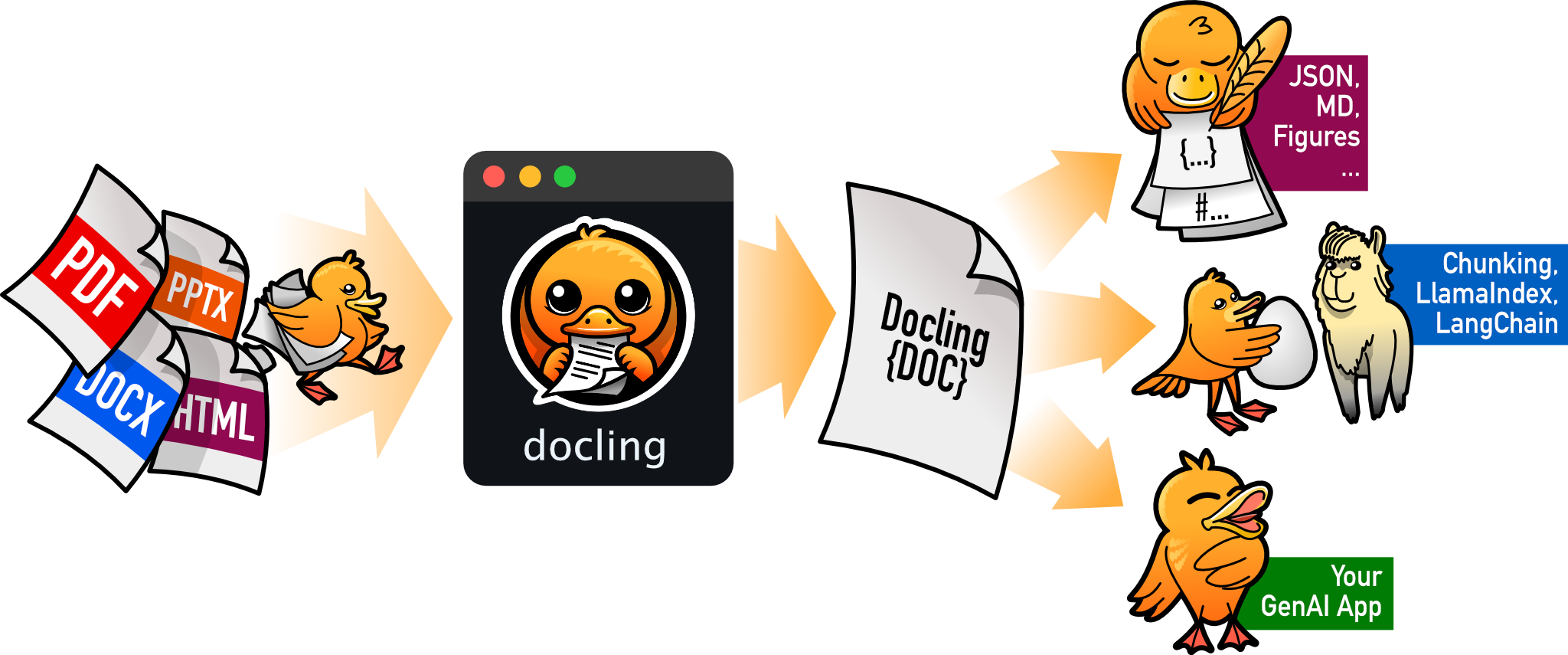
把 PDF、DOCX、HTML 等文档解析成结构化 Markdown 或 JSON,方便喂给大模型和 RAG 流程。
文档解析+4文档解析 / OCR
70385+1455.3kv2.149.02026-11-10 16:54 UTC