v7 要求 Node.js v16 及以上(v6 要求 v14 及以上);首次识别需下载语言数据文件,未缓存时首次运行较慢;不支持 PDF 文件,也不改进 Tesseract 识别模型精度;v6 起除 text 外的输出格式默认关闭,需在 recognize 选项中显式开启。

tesseract.js
napthaApache-2.0更新放缓纯 JavaScript 实现的 OCR 库,基于 WebAssembly 在浏览器和 Node.js 中直接识别 100 多种语言的图片文字,无需后端服务。
Pure Javascript OCR for more than 100 Languages 📖🎉🖥
v7.0.0发布于 2025-12-15 03:45 UTC38,831star +12 / 7 天2,404fork同步于 2026-11-10 23:22 UTC
npm install tesseract.js 硬件要求按 README 说明
README 未说明显存或 GPU 要求;通过 WebAssembly 在浏览器和 Node.js 中运行,未提及 CPU/GPU 厂商型号限制。
纯 JavaScript 的 OCR 库,在浏览器和 Node.js 里从图片中识别上百种语言的文字
纯 JavaScript 实现的 OCR 库,基于 WebAssembly 在浏览器和 Node.js 中直接识别 100 多种语言的图片文字,无需后端服务。
核心能力
- 封装 Tesseract 的 WebAssembly 移植版,纯 JS 调用 OCR
- 支持 100 多种语言的文字识别
- 可在浏览器(webpack、ESM、CDN script)和 Node.js 中运行
- 用 createWorker 复用 worker 批量识别多张图片
- v4 起支持旋转预处理与自动旋转以提升准确率
容易踩的坑
内容由模型根据 README 生成,可能不完整或不准确,以官方文档为准。看原文 README
- v7.0.0最新正式版2025-12-15 · 2025-12-15 03:45 UTC
What's Changed
- Significant improvements to recognition speed (by @fanchenkong1 in https://github.com/naptha/tesseract.js/pull/1039)
- A new
relaxedsimdbuild takes advantage of the latest WASM and hardware capabilities. - Upgrading from v6 to v7 reduces runtimes by ~15-35% (depending on device and use-case). The highest uplifts are currently seen on the latest Intel processors.
- A new
- Dropped support for Node.js v14.
- Various minor changes
New Contributors
- @hata6502 made their first contribution in https://github.com/naptha/tesseract.js/pull/1035
- @fanchenkong1 made their first contribution in https://github.com/naptha/tesseract.js/pull/1039
Full Changelog: https://github.com/naptha/tesseract.js/compare/v6.0.1...v7.0.0
- Significant improvements to recognition speed (by @fanchenkong1 in https://github.com/naptha/tesseract.js/pull/1039)
- v6.0.12025-04-07 · 2025-04-07 08:29 UTC
查看更新说明
What's Changed
- Switched from using
node-fetchto using built-infetchimplementation for Node.js v18 and newer.- This resolves a nuisance dependency-related warning message reported in #876
- Various minor updates
Full Changelog: https://github.com/naptha/tesseract.js/compare/v6.0.0...v6.0.1
- Switched from using
- v6.0.02025-01-07 · 2025-01-07 17:27 UTC
查看更新说明
What's Changed
- Fixed memory leaks (#977)
- This version fixed a long-standing issue where memory would rise over time, eventually leading to a crash.
- Reduced runtime and memory usage for most users by updating default formats (#916).
- Fixed compatibility with Electron main process (#925)
- Fixed bug where user-provided parameters were overwritten by defaults (#975).
Breaking Changes
- All outputs formats other than
textare now disabled by default.- To re-enable the
hocroutput (for example), set the following:worker.recognize(image, {}, { hocr: true })- See here for a list of possible output formats.
- To re-enable the
- The JavaScript object output format (
blocks) was tweaked.- Only the array of blocks (
blocks) is returned.- Previous versions would automatically generate lists of every unit of text (
words,symbols, etc.).- If needed, these should now be generated by the user.
- Previous versions would automatically generate lists of every unit of text (
- Only text-based blocks are reported.
- Previous versions reported non-text blocks when detected by Tesseract (e.g. line segments).
- The shape of some objects were changed.
- See the type declarations for reference on properties.
- The main properties--
textandbbox--are unchanged.
- Only the array of blocks (
- Various functions and options marked as depreciated previously have been removed.
- This includes
worker.initializeandworker.loadLanguage, along with several depreciated options from v2.
- This includes
See #993 for additional discussion about this release.
New Contributors
- @IgorAufricht made their first contribution in https://github.com/naptha/tesseract.js/pull/971
Full Changelog: https://github.com/naptha/tesseract.js/compare/v5.1.1...v6.0.0
- Fixed memory leaks (#977)
- v5.1.12024-08-24 · 2024-08-24 07:00 UTC
查看更新说明
What's Changed
- Fixed bug where incorrect language data was loaded when
oemis2(#938) - Fixed bug where boolean values in
blocksoutput format would always befalse(#907)
Full Changelog: https://github.com/naptha/tesseract.js/compare/v5.1.0...v5.1.1
- Fixed bug where incorrect language data was loaded when
- v5.1.02024-05-07 · 2024-05-07 06:19 UTC
查看更新说明
What's Changed
- Added line size metrics to
blocksoutput (#906)lineobjects now include a property namedrowAttributes, which is an object containingascenders,descenders, androw_heightmetrics- These metrics allow for manual font size calculations that are more accurate than using the
font_sizeproperty.
- Updates to documentation, types, and dependencies
New Contributors
- @Kishlay-notabot made their first contribution in https://github.com/naptha/tesseract.js/pull/896
- @k-nero made their first contribution in https://github.com/naptha/tesseract.js/pull/922
Full Changelog: https://github.com/naptha/tesseract.js/compare/v5.0.5...v5.1.0
- Added line size metrics to
用户点评
登录用户的真实使用记录,可按版本和硬件筛选共 0 条
还没有人点评。第一个说出真实体验的人最有价值。









Tesseract.js is a javascript library that gets words in almost any language out of images. (Demo)
Image Recognition

Video Real-time Recognition
Tesseract.js works in the browser using webpack, esm, or plain script tags with a CDN and on the server with Node.js. After you install it, using it is as simple as:
import { createWorker } from 'tesseract.js';

(async () => {
  const worker = await createWorker('eng');
  const ret = await worker.recognize('https://tesseract.projectnaptha.com/img/eng_bw.png');
  console.log(ret.data.text);
  await worker.terminate();
})();
When recognizing multiple images, users should create a worker once, run worker.recognize for each image, and then run worker.terminate() once at the end (rather than running the above snippet for every image).
Installation
Tesseract.js works with a <script> tag via local copy or CDN, with webpack via npm and on Node.js with npm/yarn.
CDN
<!-- v5 -->
<script src='https://cdn.jsdelivr.net/npm/tesseract.js@5/dist/tesseract.min.js'></script>
After including the script the Tesseract variable will be globally available and a worker can be created using Tesseract.createWorker.
Alternatively, an ESM build (used with import syntax) can be found at https://cdn.jsdelivr.net/npm/tesseract.js@5/dist/tesseract.esm.min.js.
Node.js
Tesseract.js v7 requires Node.js v16 or newer. (Tesseract.js v6 requires Node.js v14 or newer.)
# For latest version
npm install tesseract.js
yarn add tesseract.js

# For old versions
npm install [email protected]
yarn add [email protected]
Project Scope
Tesseract.js aims to bring the Tesseract OCR engine (a separate project) to the browser and Node.js, and works by wrapping a WebAssembly port of Tesseract. This project does not modify core Tesseract features. Most notably, Tesseract.js does not support PDF files and does not modify the Tesseract recognition model to improve accuracy.
If your project requires features outside of this scope, consider the Scribe.js library. Scribe.js is an alternative library created to accommodate common feature requests that are outside of the scope of this repo. Scribe.js includes improvements to the Tesseract recognition model and supports extracting text from PDF documents, among other features. For more information see Scribe.js vs. Tesseract.js.
Documentation
Community Projects and Examples
The following are examples and projects built by the community using Tesseract.js. Officially supported examples are found in the examples directory.
- Projects
- Scribe OCR: web application for scanning documents (images and PDFs)
- Site at scribeocr.com, repo at github.com/scribeocr/scribeocr
- Chrome Extension (with Manifest V3): https://github.com/Tshetrim/Image-To-Text-OCR-extension-for-ChatGPT
- Scribe OCR: web application for scanning documents (images and PDFs)
- Examples
- Converting PDF to text: https://github.com/racosa/pdf2text-ocr
- Use
blocksoutput to generate granular data [word/symbol level]: https://github.com/Kishlay-notabot/tesseract-bbox-examples - Electron: https://github.com/Balearica/tesseract.js-electron
- Typescript: https://github.com/Balearica/tesseract.js-typescript
If you have a project or example repo that uses Tesseract.js, feel free to add it to this list using a pull request. Examples submitted should be well documented such that new users can run them; projects should be functional and actively maintained.
Major changes in v6
Version 6 changes are documented in this issue. Highlights are below.
- Fixed memory leak in previous versions
- Overall reductions in runtime and memory usage
- Breaking changes:
- All outputs formats other than
textare disabled by default.- To re-enable the
hocroutput (for example), set the following:worker.recognize(image, {}, { hocr: true })
- To re-enable the
- Minor changes to the structure of the JavaScript object (
blocks) output - See this issue for full list
- All outputs formats other than
Major changes in v5
Version 5 changes are documented in this issue. Highlights are below.
- Significantly smaller files by default (54% smaller for English, 73% smaller for Chinese)
- This results in a ~50% reduction in runtime for first-time users (who do not have the files cached yet)
- Significantly lower memory usage
- Breaking changes:
createWorkerarguments changed- Setting non-default language and OEM now happens in
createWorker- E.g.
createWorker("chi_sim", 1)
- E.g.
- Setting non-default language and OEM now happens in
worker.initializeandworker.loadLanguagefunctions should be deleted from code- See this issue for full list
Upgrading from v2 to v5? See this guide.
Major changes in v4
Version 4 includes many new features and bug fixes--see this issue for a full list. Several highlights are below.
- Added rotation preprocessing options (including auto-rotate) for significantly better accuracy
- Processed images (rotated, grayscale, binary) can now be retrieved
- Improved support for parallel processing (schedulers)
- Breaking changes:
createWorkeris now asyncgetPDFfunction replaced bypdfrecognize option
Contributing
Development
To run a development copy of Tesseract.js do the following:
# First we clone the repository
git clone https://github.com/naptha/tesseract.js.git
cd tesseract.js

# Then we install the dependencies
npm install

# And finally we start the development server
npm start
The development server will be available at http://localhost:3000/examples/browser/basic-efficient.html in your favorite browser.
It will automatically rebuild tesseract.min.js and worker.min.js when you change files in the src folder.
Building Static Files
To build the compiled static files just execute the following:
npm run build
This will output the files into the dist directory.
Run Tests
Always confirm the automated tests pass before submitting a pull request. To run the automated tests locally, run the following commands.
npm run lint
npm run test
Contributors
Code Contributors
This project exists thanks to all the people who contribute. [Contribute].
Financial Contributors
Become a financial contributor and help us sustain our community. [Contribute]
Individuals
Organizations
Support this project with your organization. Your logo will show up here with a link to your website. [Contribute]
PaddleOCR
PaddlePaddle·Python
轻量级 OCR 工具包,能把图片和 PDF 转成结构化数据,支持 100 多种语言,方便接入 LLM 和 RAG 流程。
OCR+4文档解析 / OCR
92537+14612kv3.7.02026-09-16 03:31 UTC

MinerU
opendatalab·Python
把 PDF、Office 等复杂文档转成 LLM 可直接用的 Markdown/JSON,内置版面分析和 OCR,专为 RAG 与 Agent 工作流准备语料。
文档解析+4文档解析 / OCR
83452+1946.9kmineru-4.1.7-released2026-11-10 17:04 UTC
tesseract
tesseract-ocr·C++
老牌开源 OCR 引擎,用 LSTM 识别图片中的文字,支持上百种语言,适合做文档扫描和文本提取。
OCR引擎+4文档解析 / OCR
77449+4611k5.5.42026-11-10 18:26 UTC
docling
docling-project·Python
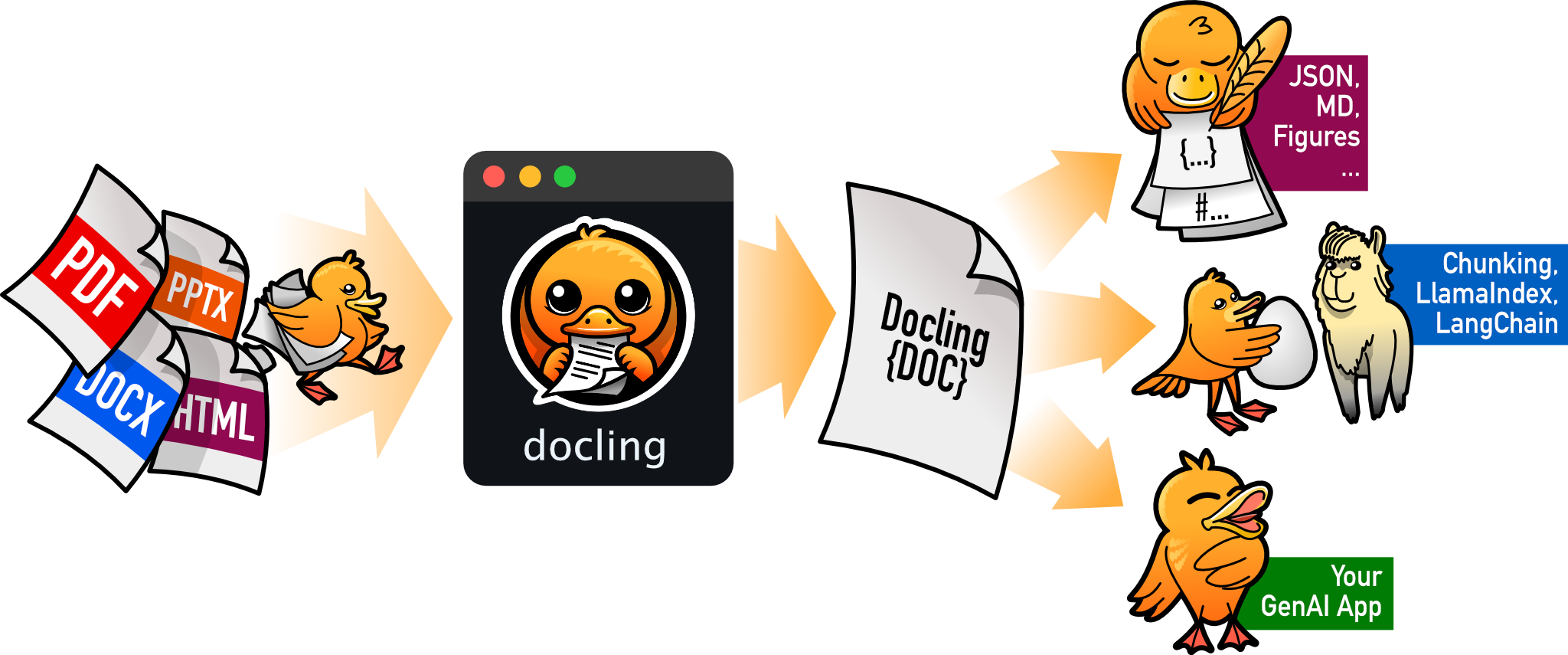
把 PDF、DOCX、HTML 等文档解析成结构化 Markdown 或 JSON,方便喂给大模型和 RAG 流程。
文档解析+4文档解析 / OCR
70395+1455.3kv2.149.02026-11-10 17:59 UTC