必须先在本机装好 Tesseract 原生库,否则 cgo 编译失败;Linux 需额外装 tesseract-ocr-eng 等语言数据包才能识别对应语言;Windows 需 vcpkg 加 MinGW-w64 手工生成导入库并设置 TESSDATA_PREFIX 等环境变量。
gosseract
otiai10MIT更新放缓Go 语言封装的 Tesseract OCR 库,让 Go 程序直接调用 C++ 版 Tesseract 做图片文字识别,省去自己写 CGO 绑定。
Go package for OCR (Optical Character Recognition), by using Tesseract C++ library
v2.4.1发布于 2023-09-06 10:07 UTC3,146star +3 / 7 天303fork同步于 2026-11-10 23:42 UTC
brew install tesseract && go get -t github.com/otiai10/gosseract/v2(macOS);Linux 用 sudo apt-get install -y libtesseract-dev libleptonica-dev tesseract-ocr-eng 硬件要求按 README 说明
README 未说明 GPU 或显存要求;依赖系统安装的 Tesseract 与 Leptonica 原生库,CPU 即可运行。
有 Docker 镜像
Go 语言 OCR 封装库,通过 cgo 调用 Tesseract C++ 库识别图片文字
Go 语言封装的 Tesseract OCR 库,让 Go 程序直接调用 C++ 版 Tesseract 做图片文字识别,省去自己写 CGO 绑定。
核心能力
- 用 cgo 绑定 Tesseract C++ 库做文字识别
- NewClient 创建客户端后 SetImage 指定图片再取 Text
- 提供配套 OCR Server 示例项目可直接部署
- 官方 Docker 镜像 otiai10/gosseract 可免本地安装运行
容易踩的坑
内容由模型根据 README 生成,可能不完整或不准确,以官方文档为准。看原文 README
- v2.4.1[v2.4.1] Fix linker error: `-lleptonica` instead of `-llept`最新正式版2023-09-06 · 2023-09-06 10:07 UTC
这个版本没有写更新说明。
- v2.3.1Enable FreeBSD test on CI workflow2021-01-04 · 2021-01-04 10:07 UTC
这个版本没有写更新说明。
- v2.2.42020-01-07 · 2020-01-07 06:40 UTC
这个版本没有写更新说明。
- v2.2.32020-01-06 · 2020-01-06 04:55 UTC
这个版本没有写更新说明。
- v2.2.22020-01-04 · 2020-01-04 03:47 UTC
这个版本没有写更新说明。
用户点评
登录用户的真实使用记录,可按版本和硬件筛选共 0 条
还没有人点评。第一个说出真实体验的人最有价值。
gosseract OCR


Golang OCR package, by using Tesseract C++ library.
OCR Server
If you need an OCR server or want to see a working example of this package, there is a ready-made server application, which is very easy to deploy!
👉 https://github.com/otiai10/ocrserver
Example
package main

import (
	"fmt"
	"github.com/otiai10/gosseract/v2"
)

func main() {
	client := gosseract.NewClient()
	defer client.Close()
	client.SetImage("path/to/image.png")
	text, _ := client.Text()
	fmt.Println(text)
	// Hello, World!
}
Installation
macOS
brew install tesseract
go get -t github.com/otiai10/gosseract/v2
Linux (Debian/Ubuntu)
sudo apt-get install -y libtesseract-dev libleptonica-dev tesseract-ocr-eng
go get -t github.com/otiai10/gosseract/v2
Please check this Dockerfile to get started.
Alternatively, you can deploy the pre-existing Docker image by invoking docker run -it --rm otiai10/gosseract.
Windows
Windows support requires vcpkg and MinGW-w64:
# Install Tesseract via vcpkg
vcpkg install tesseract:x64-windows

# Create MinGW import libraries from vcpkg DLLs
cd C:/vcpkg/installed/x64-windows/bin
gendef tesseract55.dll leptonica-1.87.0.dll
dlltool -d tesseract55.def -l libtesseract.a -D tesseract55.dll
dlltool -d leptonica-1.87.0.def -l libleptonica.a -D leptonica-1.87.0.dll
mv *.a ../lib/

# Download language data
mkdir C:/tessdata
curl -L -o C:/tessdata/eng.traineddata https://github.com/tesseract-ocr/tessdata/raw/main/eng.traineddata
Set environment variables before building:
export CGO_ENABLED=1
export CC=C:/mingw64/bin/gcc.exe
export CGO_CFLAGS="-IC:/vcpkg/installed/x64-windows/include"
export CGO_LDFLAGS="-LC:/vcpkg/installed/x64-windows/lib"
export TESSDATA_PREFIX="C:/tessdata"
export PATH="/c/mingw64/bin:/c/vcpkg/installed/x64-windows/bin:$PATH"
For detailed troubleshooting, see knowledge/windows-support.md.
Test
In case you have tesseract-ocr installed on your local environment, you can run the tests with:
% go test .
If you DON'T want to install tesseract-ocr on your local environment, run ./test/runtime which utilises Docker and Vagrant to test the source code on some runtimes.
% ./test/runtime --engine docker
% ./test/runtime --engine vagrant
Check ./test/runtimes for more information about runtime tests.
Note: Clear Linux support was removed in January 2026 as Intel discontinued the distribution in July 2025.
Note: Arch Linux support was removed in January 2026 as the official image does not provide ARM64 architecture support.
Issues
PaddleOCR
PaddlePaddle·Python
轻量级 OCR 工具包,能把图片和 PDF 转成结构化数据,支持 100 多种语言,方便接入 LLM 和 RAG 流程。
OCR+4文档解析 / OCR进阶
92537+15112kv3.7.02026-09-16 03:31 UTC

MinerU
opendatalab·Python
把 PDF、Office 等复杂文档转成 LLM 可直接用的 Markdown/JSON,内置版面分析和 OCR,专为 RAG 与 Agent 工作流准备语料。
文档解析+4文档解析 / OCR进阶
83452+1976.9kmineru-4.2.0-released2026-11-10 17:04 UTC
tesseract
tesseract-ocr·C++
老牌开源 OCR 引擎,用 LSTM 识别图片中的文字,支持上百种语言,适合做文档扫描和文本提取。
OCR引擎+4文档解析 / OCR进阶
77449+5011k5.5.42026-11-10 18:26 UTC
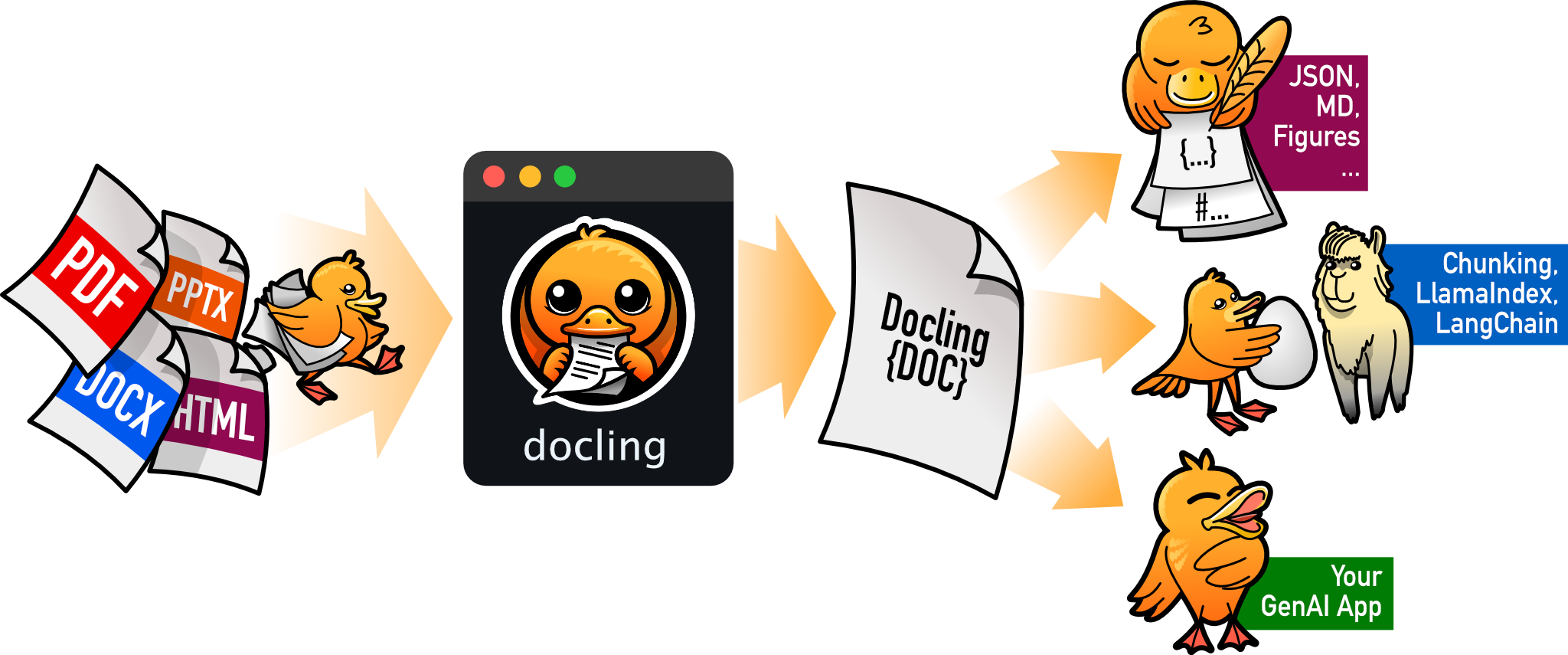
docling
docling-project·Python
把 PDF、DOCX、HTML 等文档解析成结构化 Markdown 或 JSON,方便喂给大模型和 RAG 流程。
文档解析+4文档解析 / OCR进阶
70395+1555.3kv2.150.02026-11-10 17:59 UTC